
Shoes
Browse sneakers and other footwear together. Open a find to compare its source ID, product photos and available close-ups of the upper and sole.
Compare the finds that caught your eye. Browse KakoBuy product links and available QC photos, starting with a category, a name or a photo.
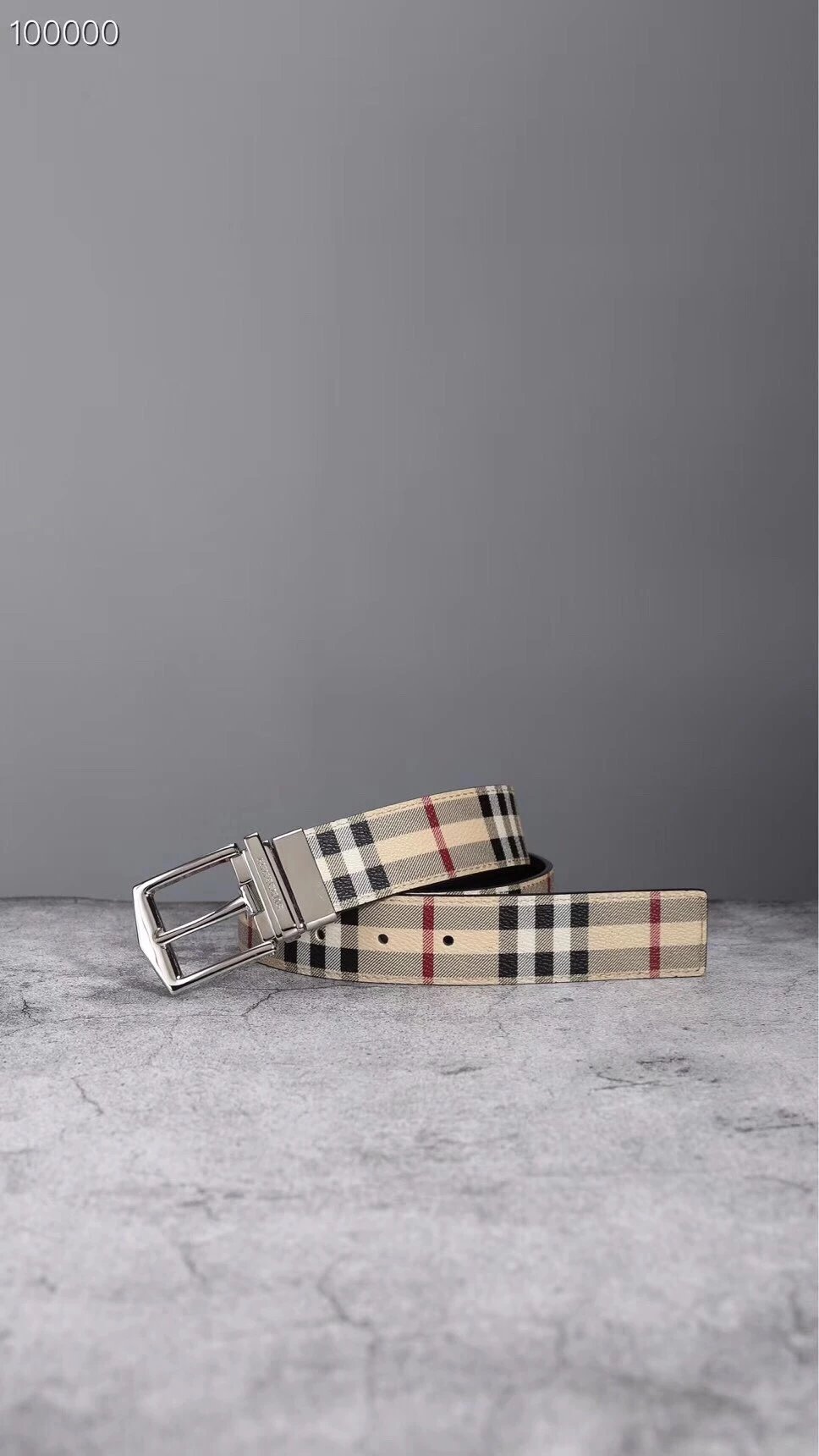
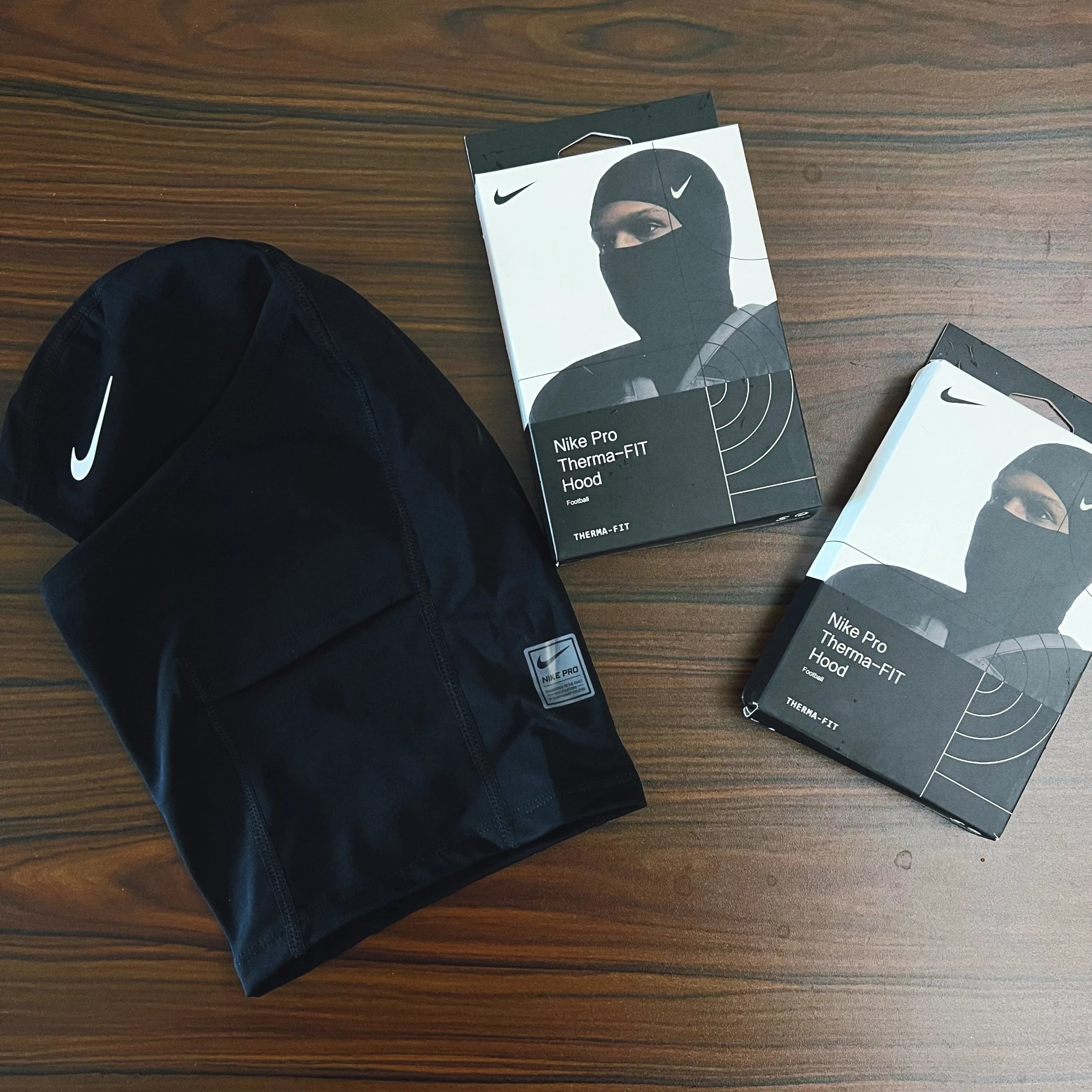
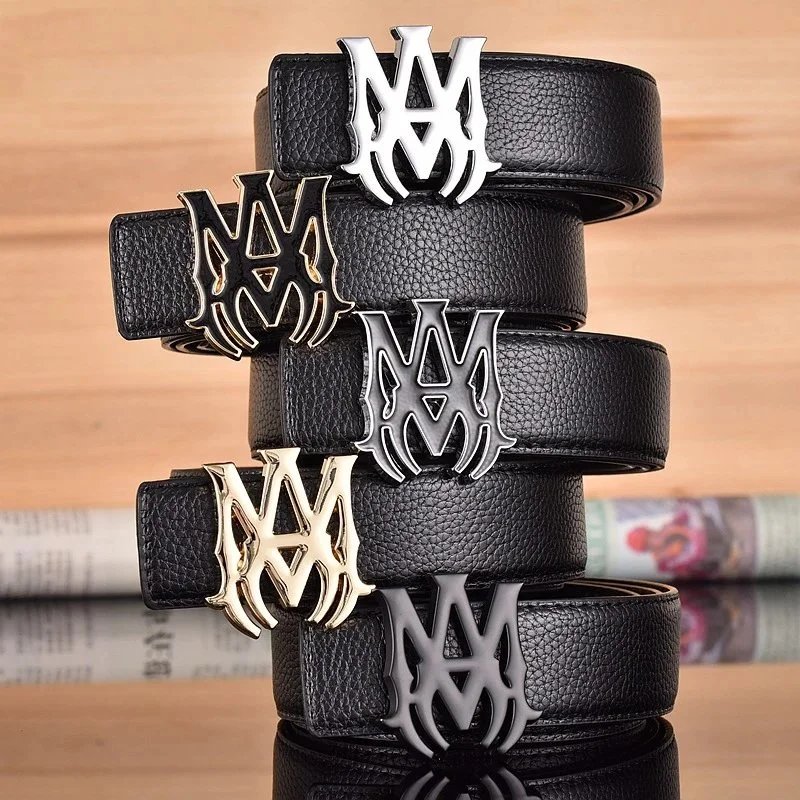
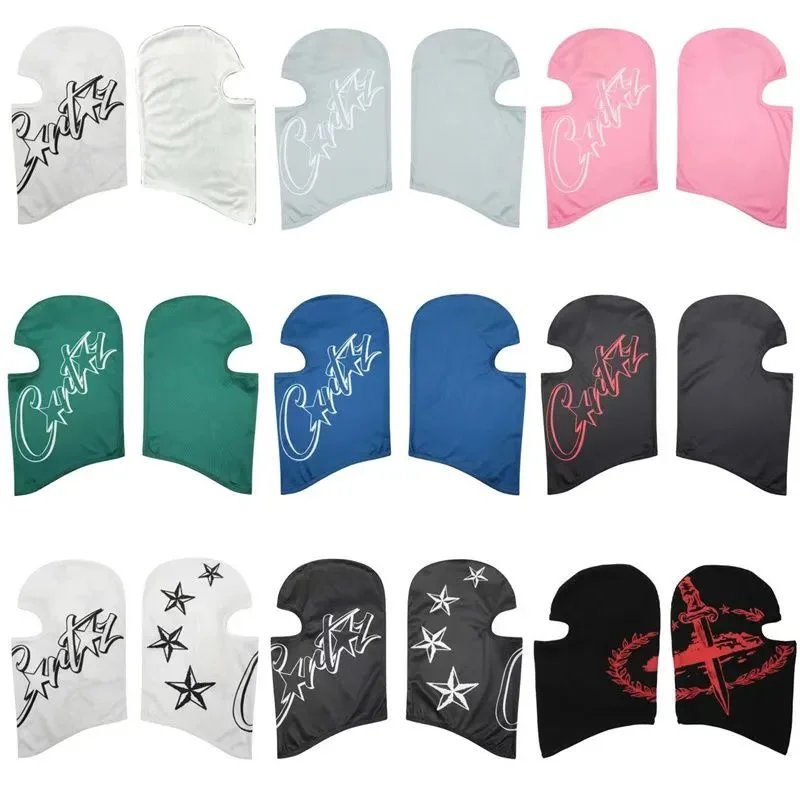
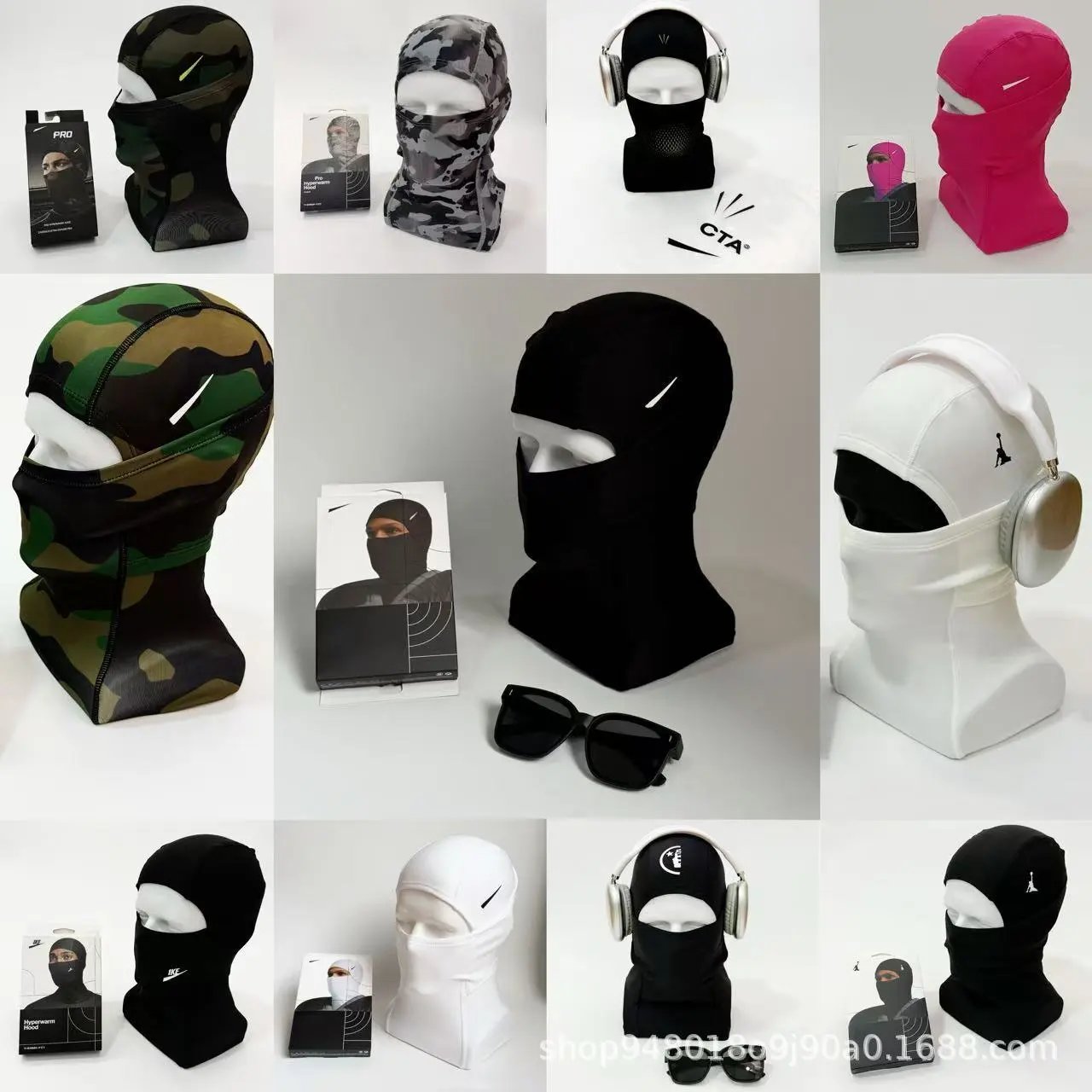
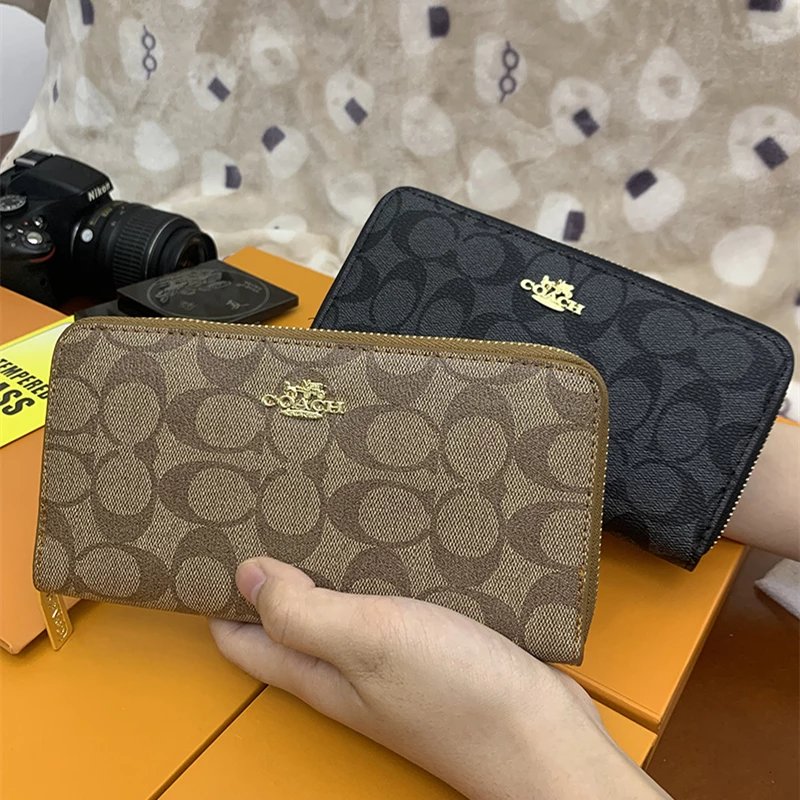
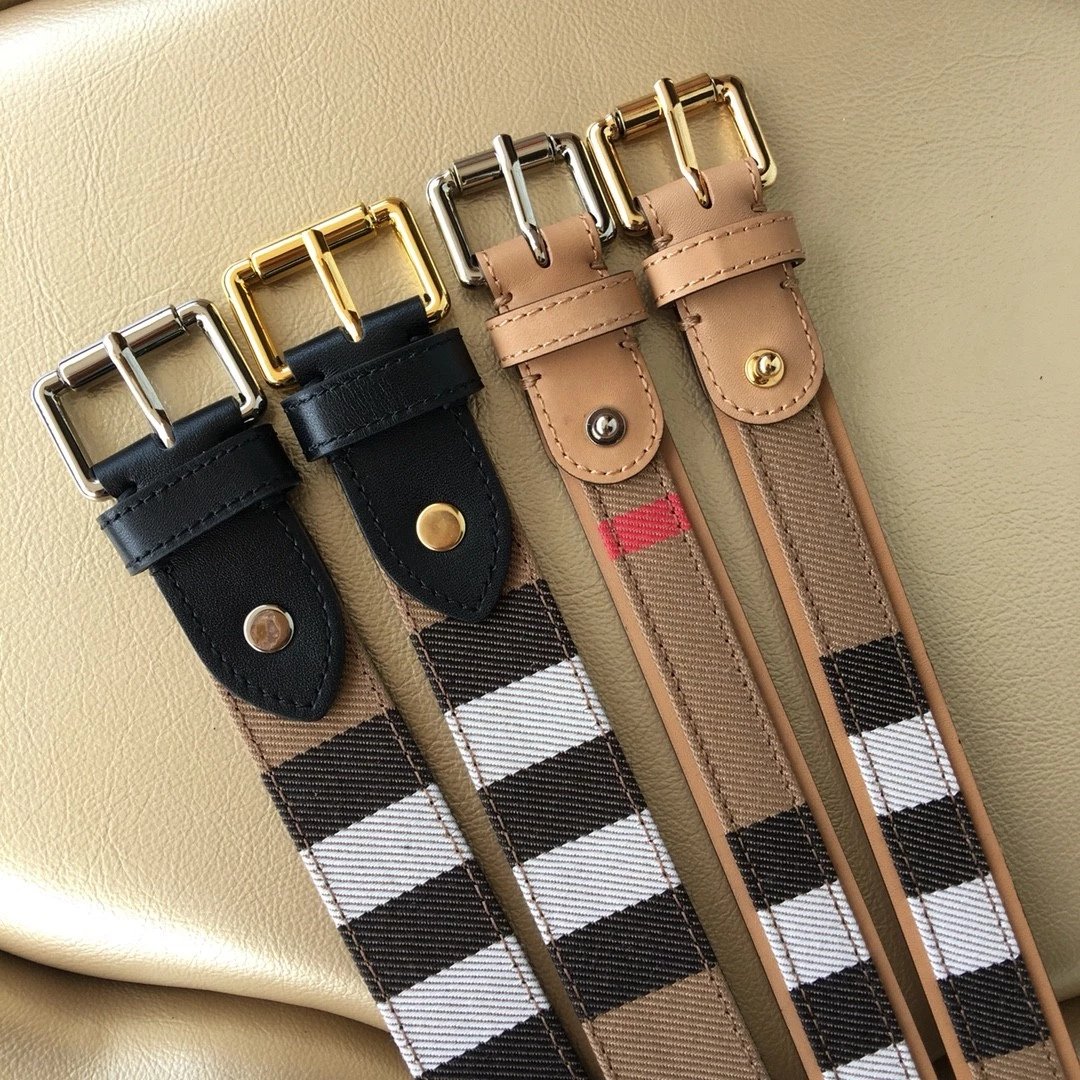
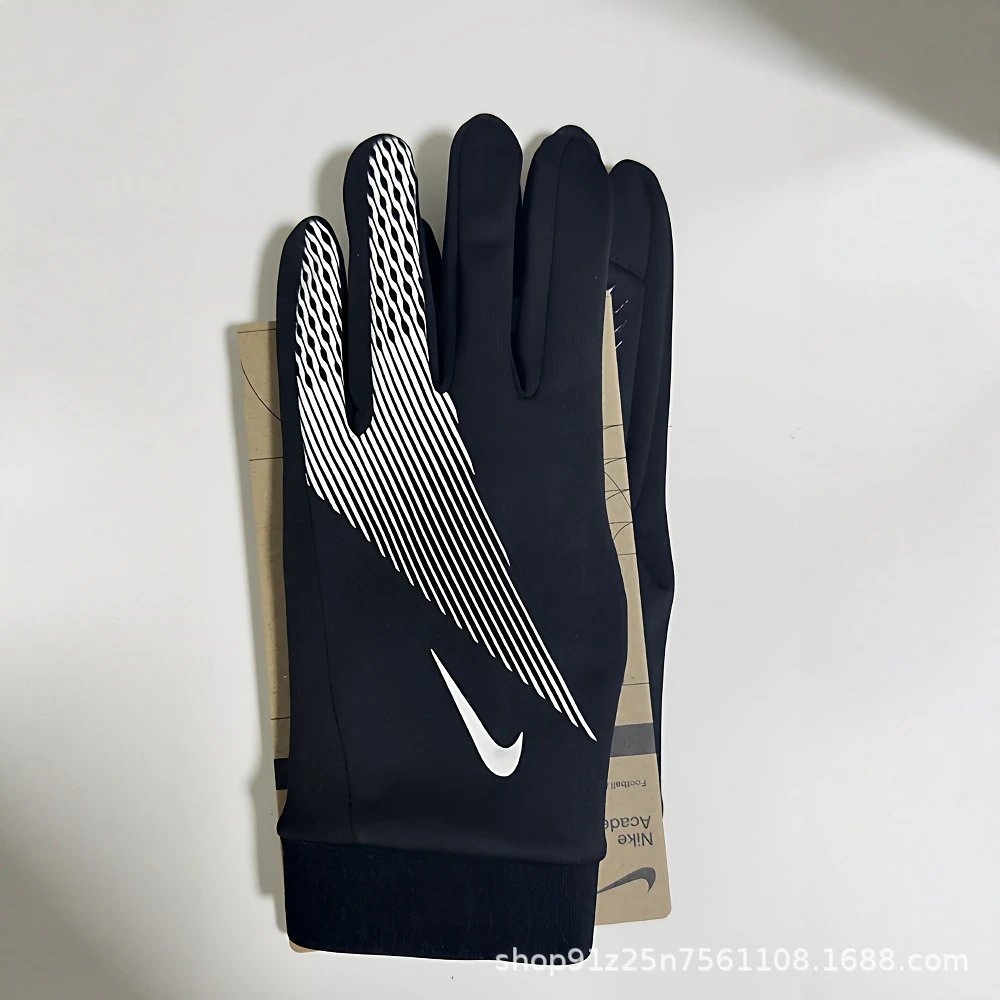
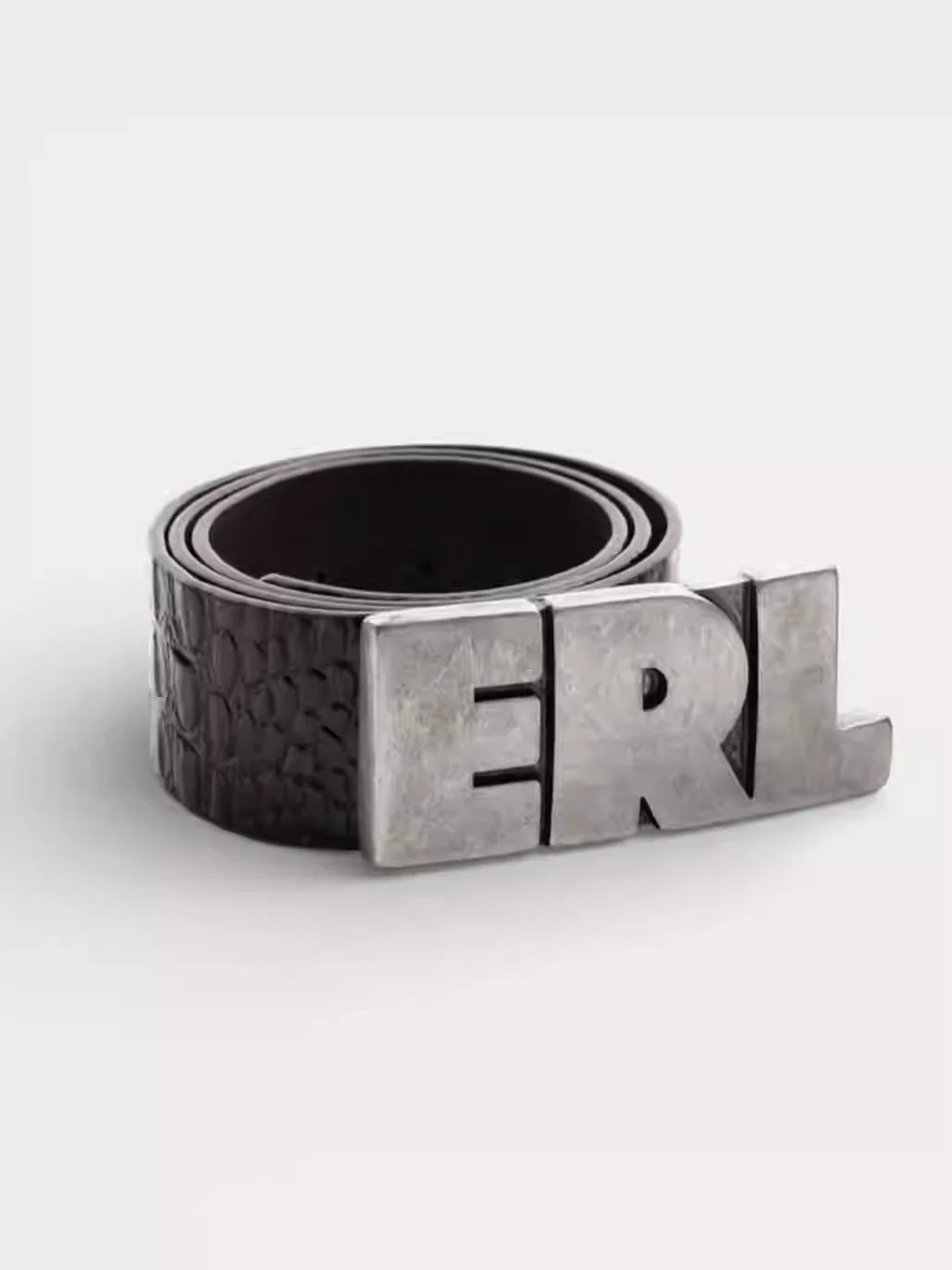
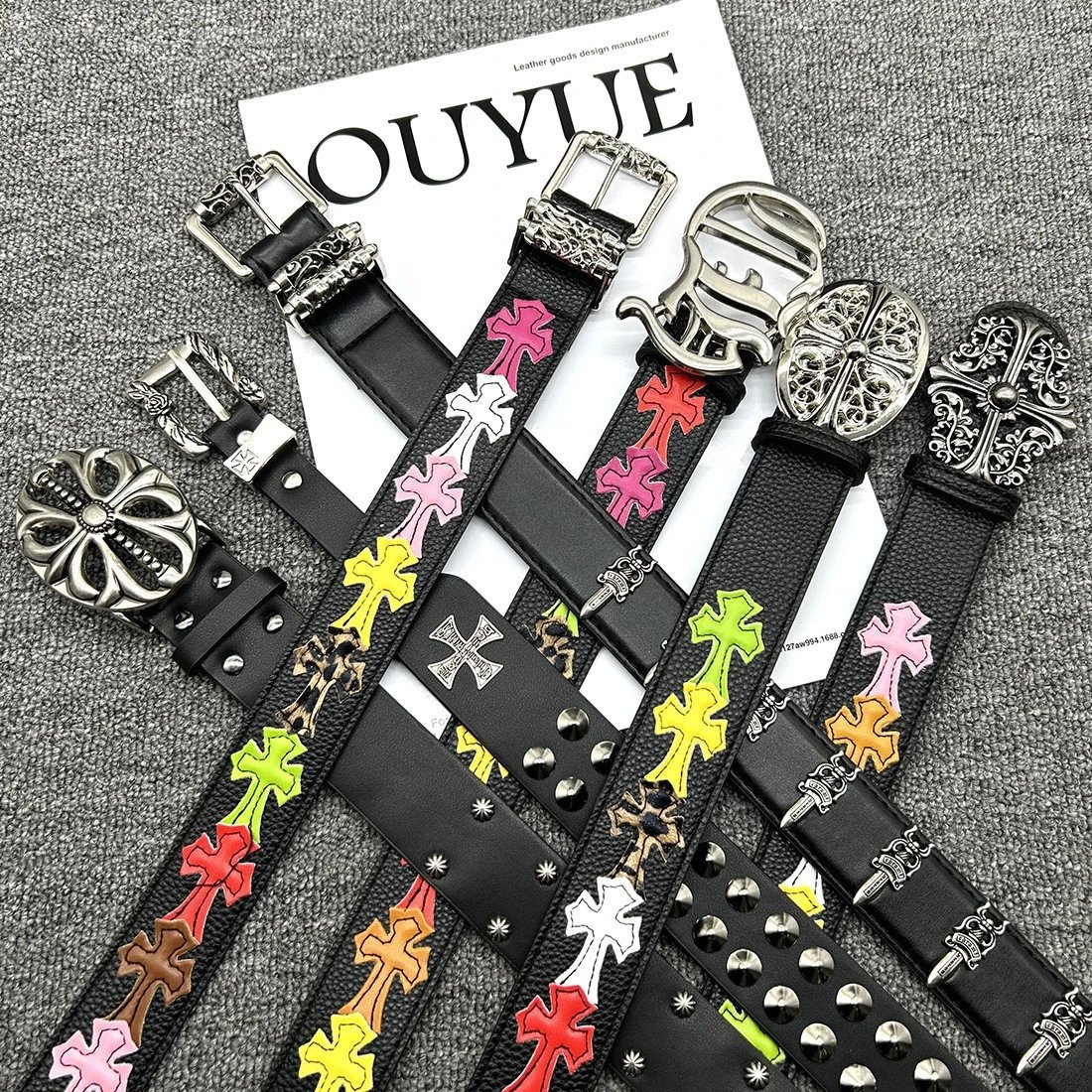
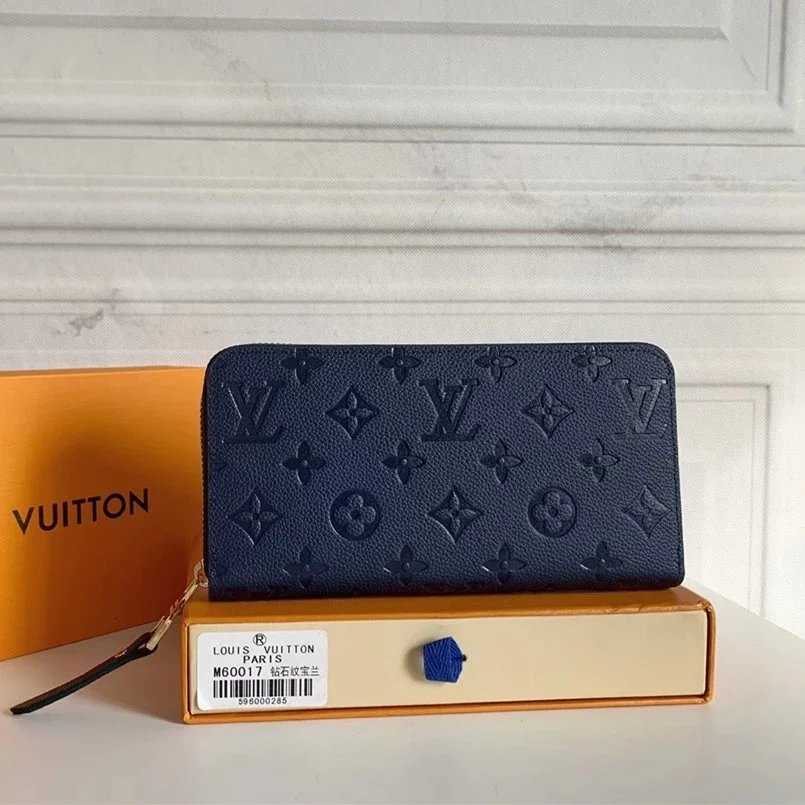
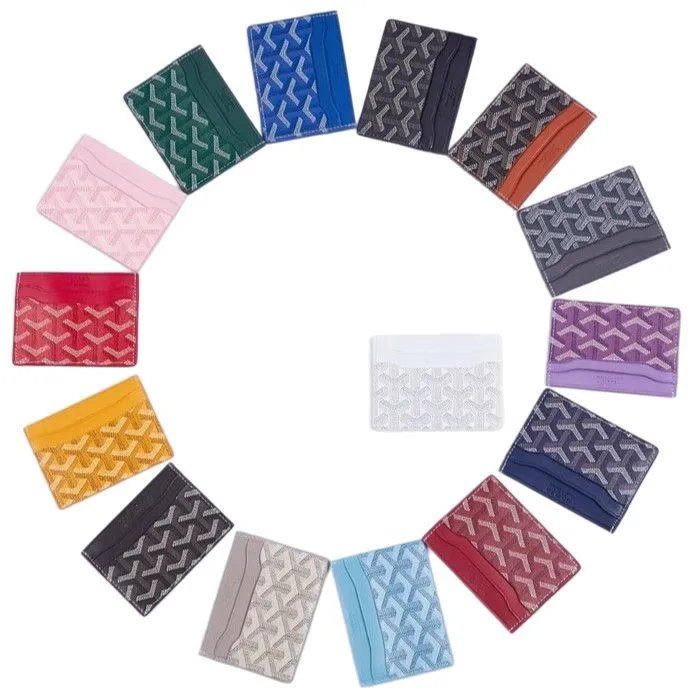
Browse sneakers and other footwear together. Open a find to compare its source ID, product photos and available close-ups of the upper and sole.
Explore T-shirts, hoodies and knitwear through their own sections. Similar graphics can belong to different sellers, so keep the exact listing link.
Separate trousers from shorts before comparing product and style photos. Confirm the specific option on the purchase page before ordering.
Look through jackets and outer layers, comparing available QC for shape, hardware and surface details. Seller photos and QC serve different purposes.
Explore coordinated pieces in one section. Check the seller listing for what is included; similar photos do not establish an identical product.
Compare everyday basics and pictured styles. Treat sheet prices as a starting point and confirm the details on the corresponding seller listing.
Find bags, headwear, watches and smaller accessories. Choose a subsection, then compare the exact source and any available inspection photos.
Browse electronic accessories by their actual listing links. A product photo cannot establish functionality or compatibility; check the purchase page.
Compare the finds that caught your eye. Browse KakoBuy product links and available QC photos, starting with a category, a name or a photo.
Sheetz is a separate browsing site with its own layout and URLs. It is an independent guide, not the official KakoBuy website or a checkout service.
Search by product name, choose a category or brand, and sort by price or recency. If you have a reference photo, start with image search.
QC photos are existing inspection images that help compare visible details. Some listings have none. Historical photos do not guarantee the quality or authenticity of a future order.
The purchase button sends the listing’s actual source URL to KakoBuy. Confirm the source product ID, option and current quote there. Affiliate links may earn us a commission.
No. Style thumbnails are for visual comparison. Confirm the size, colour and final quote on the KakoBuy purchase page.
Image search compares visual similarity. It does not establish the same item, seller or quality. Open each result and compare its own source and available photos.
Prices start in USD. Switch currency to compare estimates, then confirm the current quote on the corresponding purchase page.
Try again later, or search by name, category or reference image for other finds. A historical link or missing image does not establish current availability.
The ID identifies a particular marketplace listing. Matching photos or titles do not establish the same seller or item; compare both the source marketplace and product ID.
Seller photos illustrate the listing and its pictured styles. QC photos are existing inspection images. Compare the two, while keeping in mind that they may show different individual units.
It copies the original Weidian listing URL, including its itemID. You can paste it into your notes or an agent’s search field to keep the exact source reference.
No. Sheetz helps you browse and compare products. Purchasing, order options and order management take place on the agent’s website.