
Calzado
Browse sneakers and other footwear together. Open a find to compare its source ID, product photos and available close-ups of the upper and sole.
Compare the finds that caught your eye. Browse KakoBuy product links and available QC photos, starting with a category, a name or a photo.
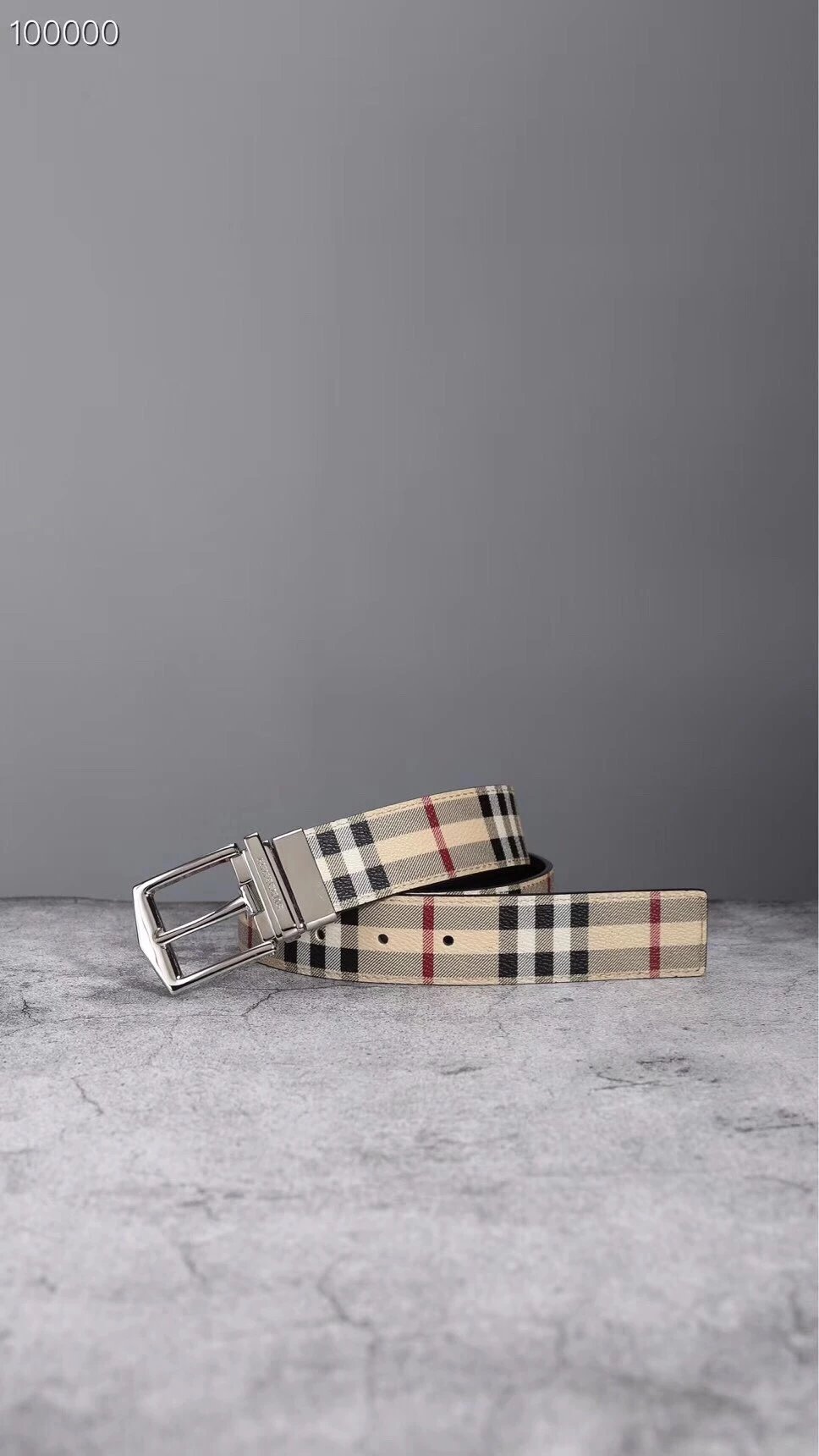
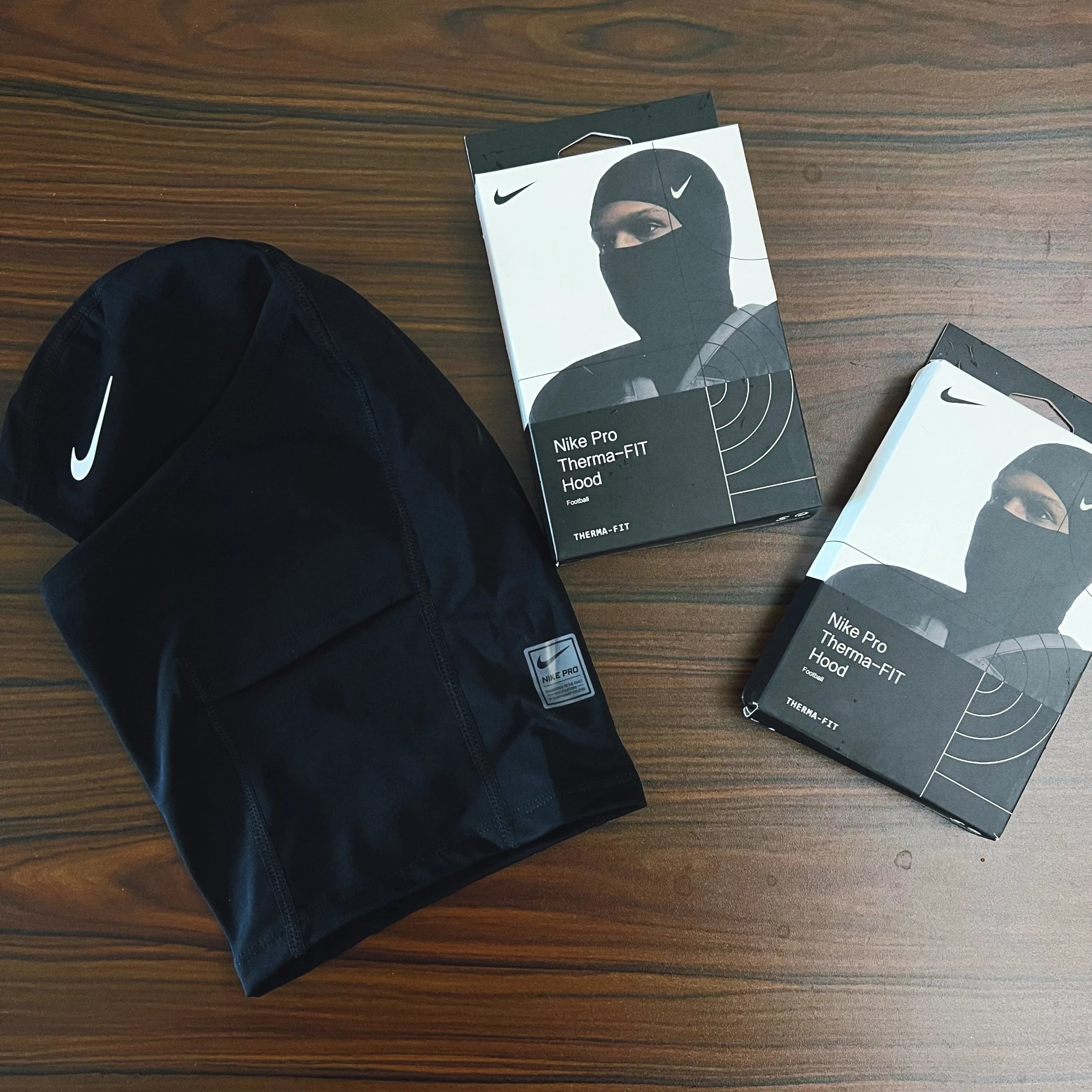
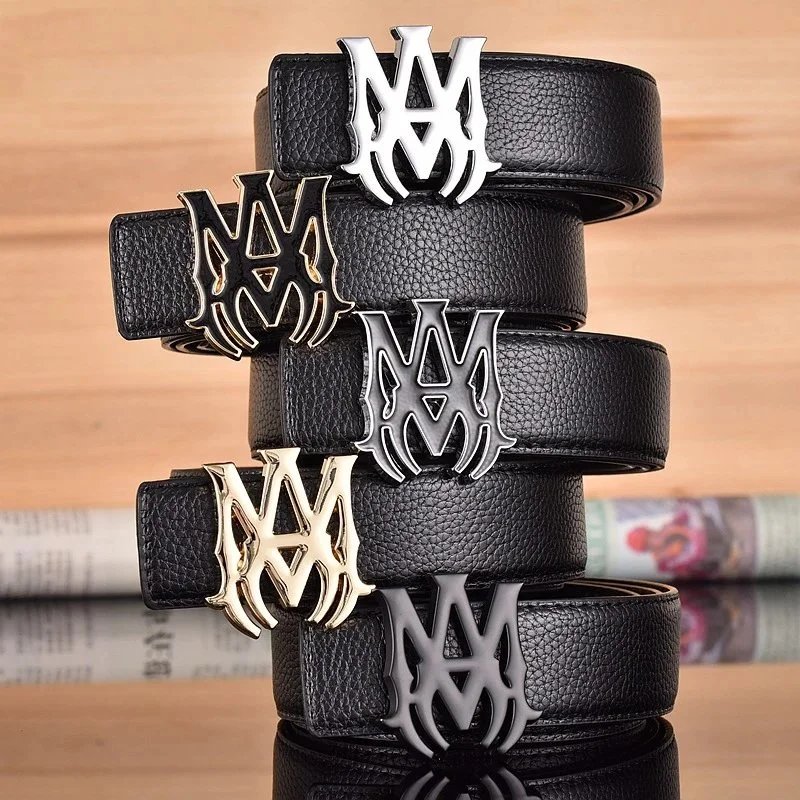
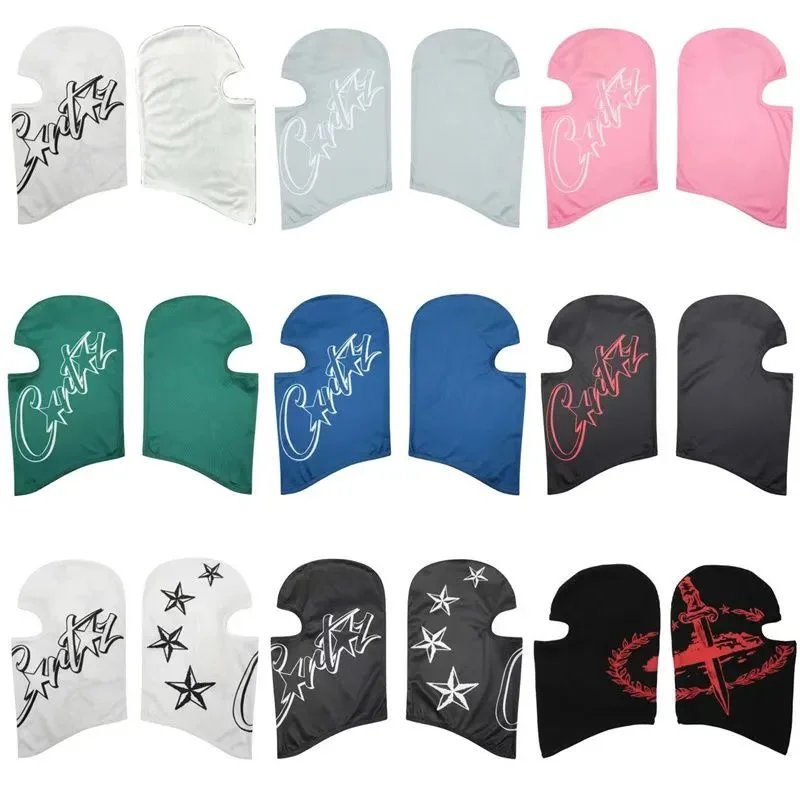
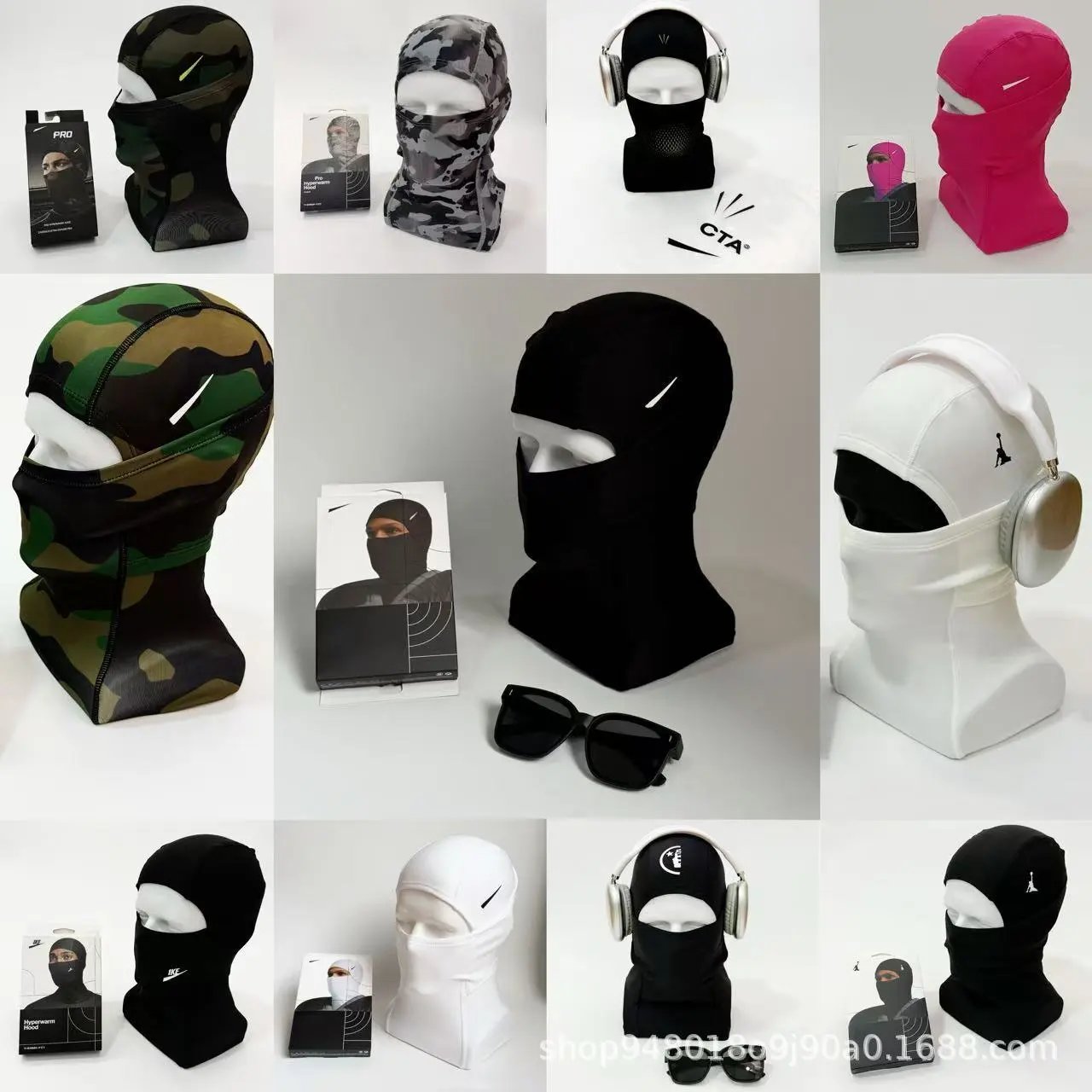
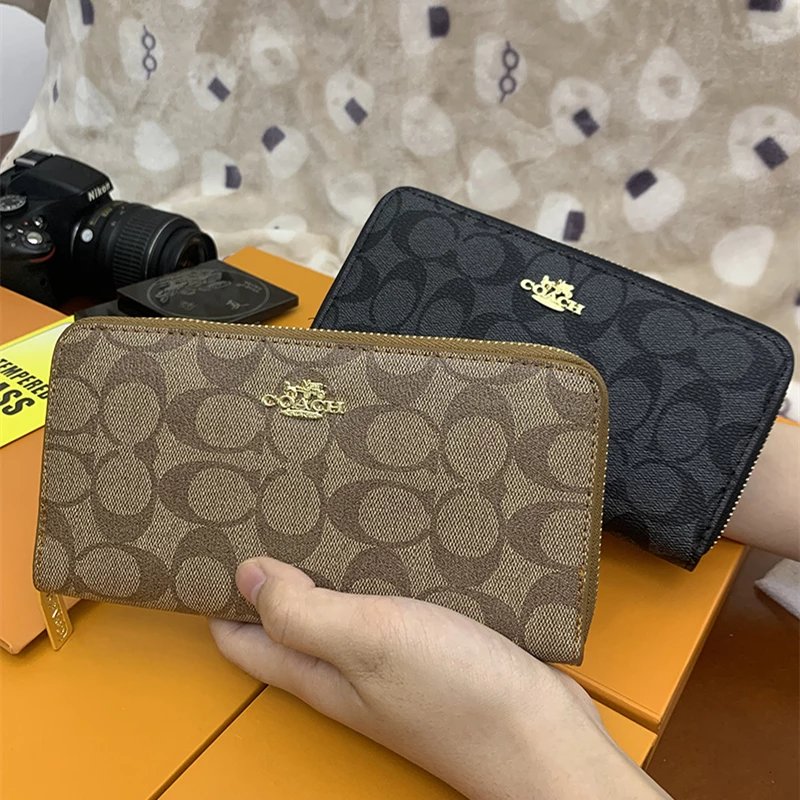
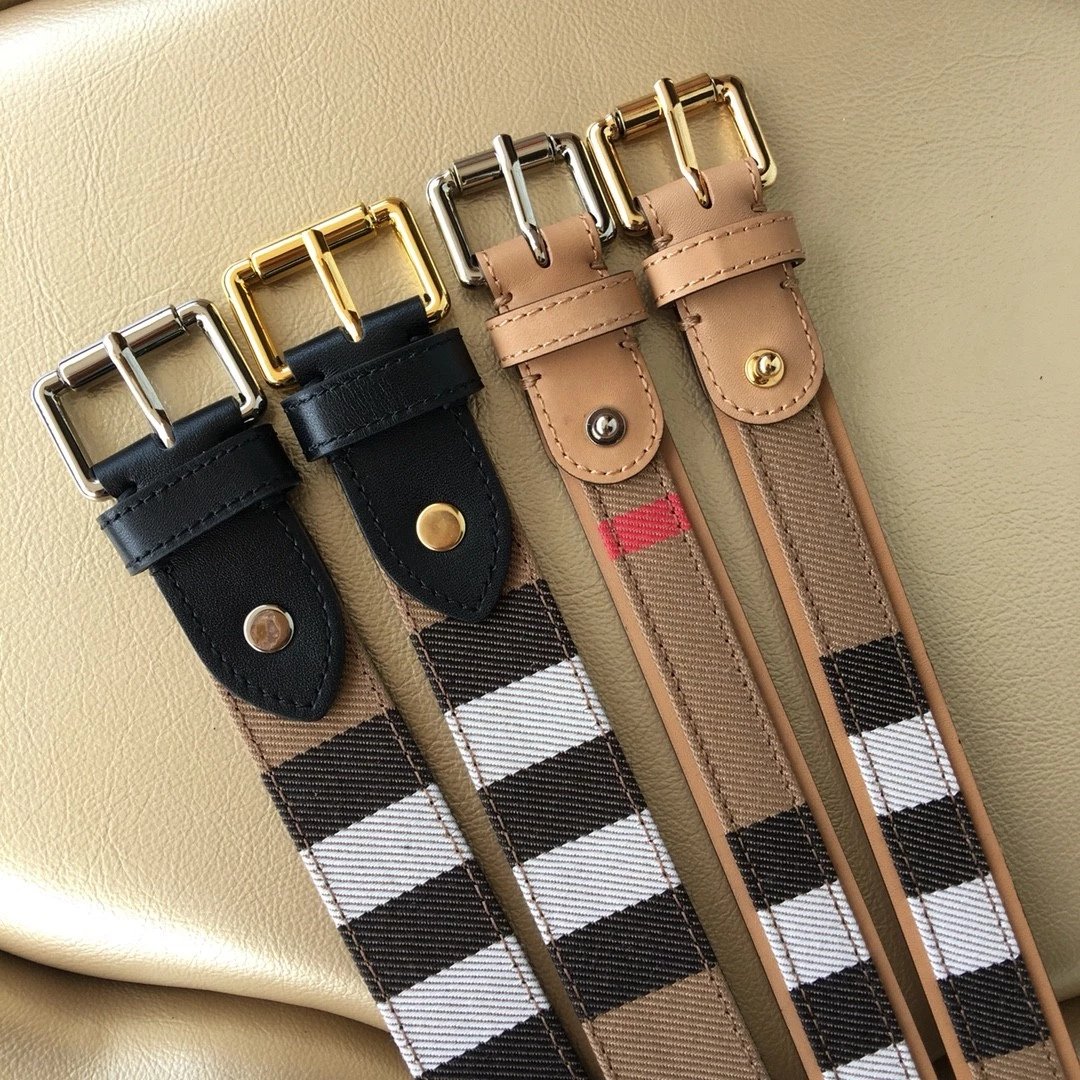
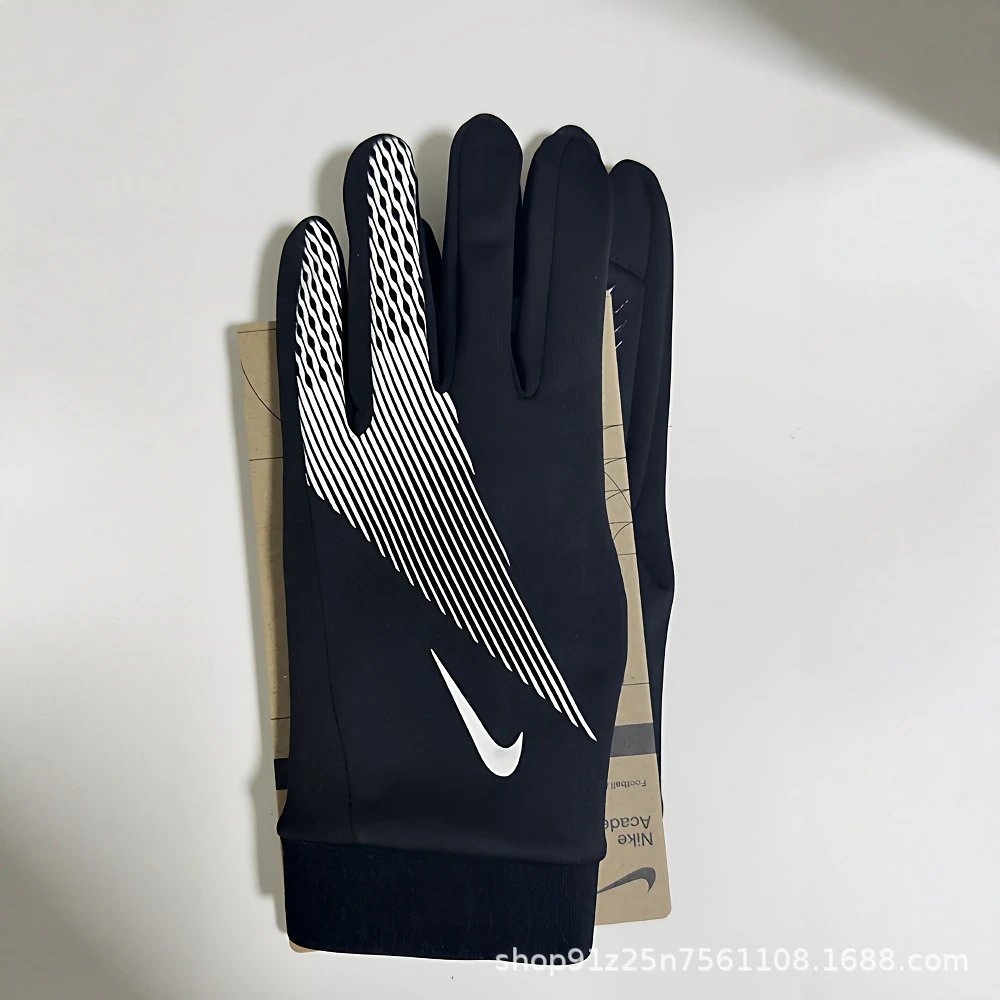
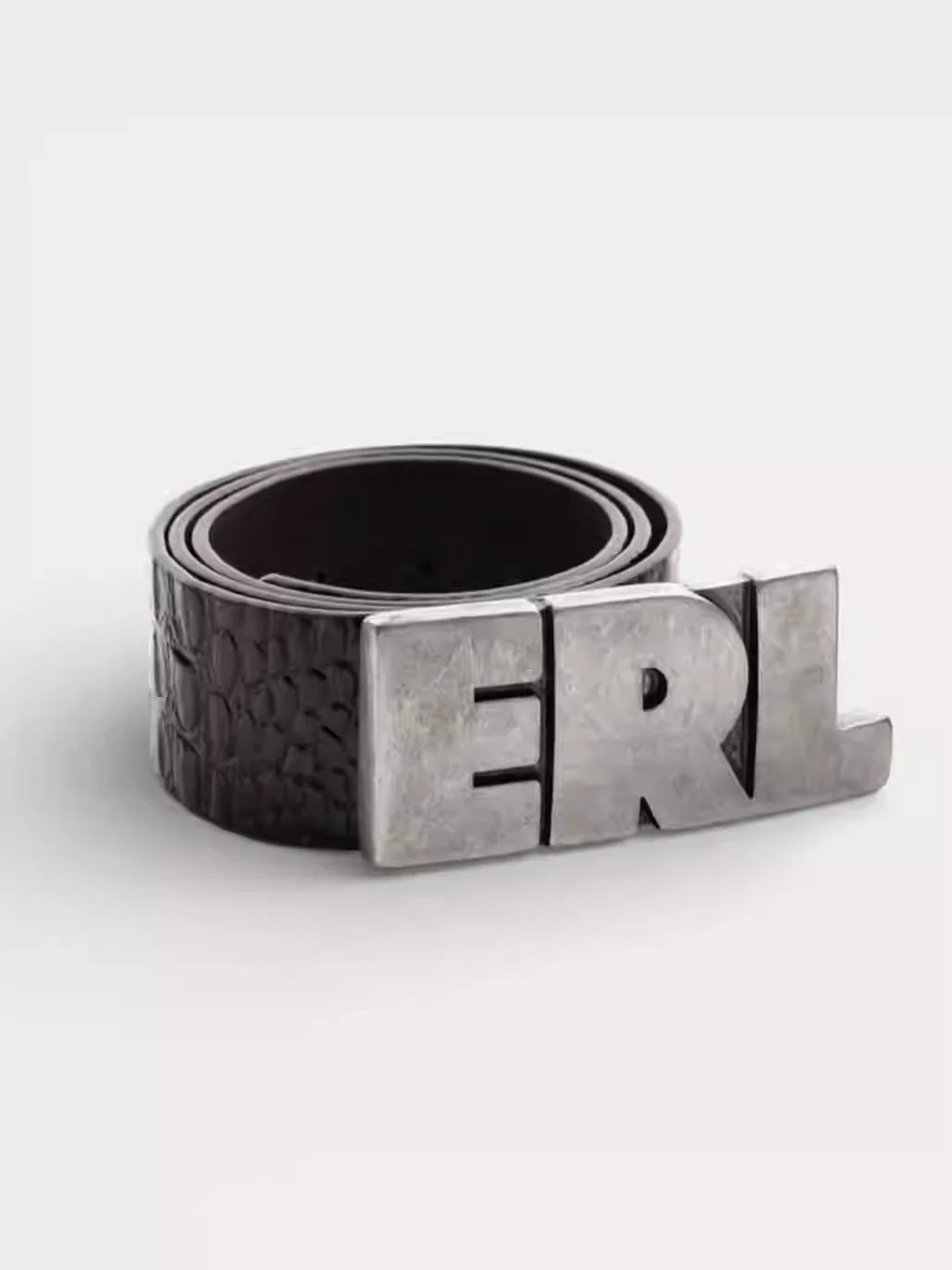
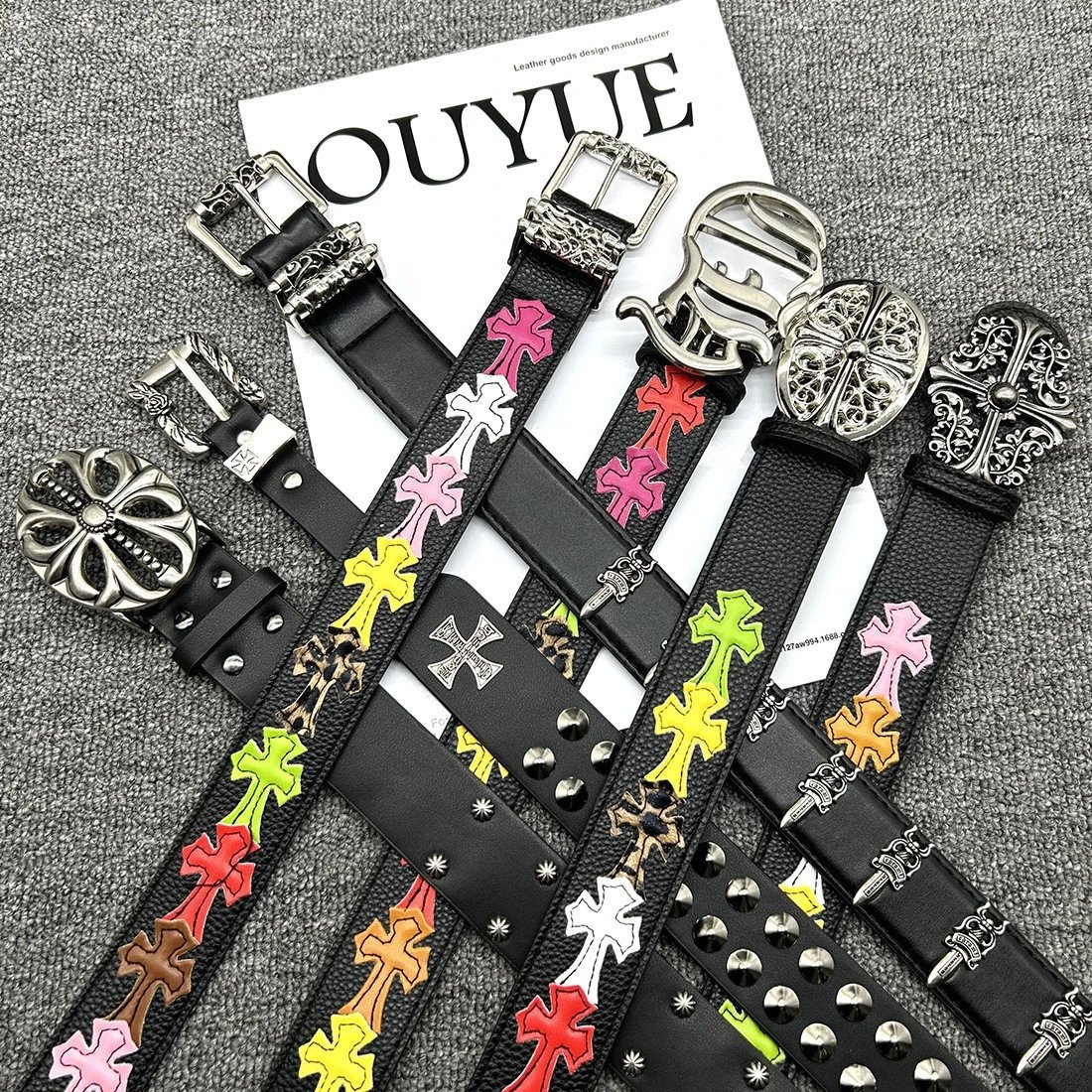
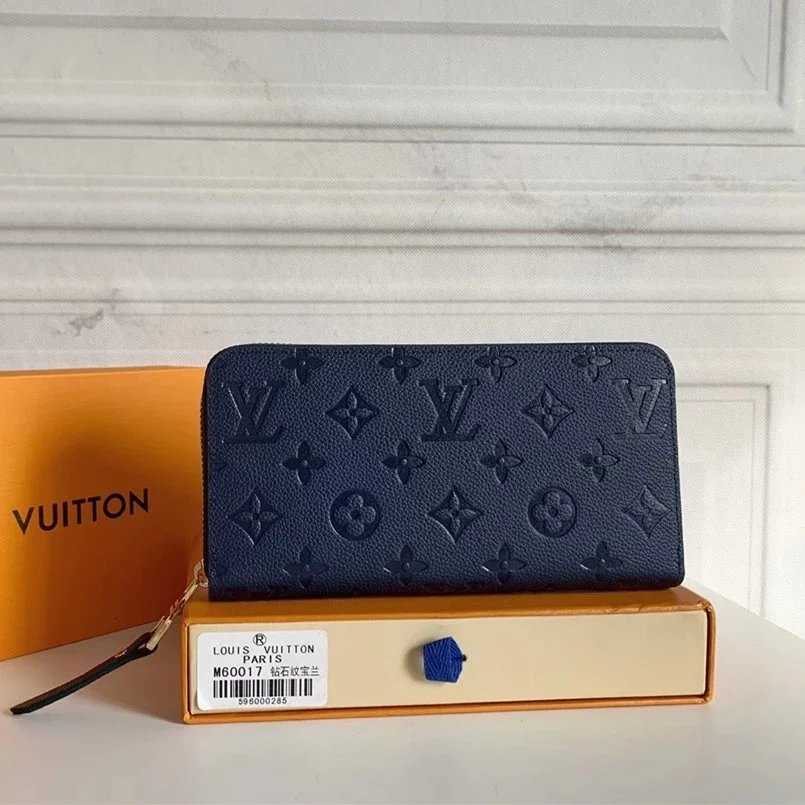
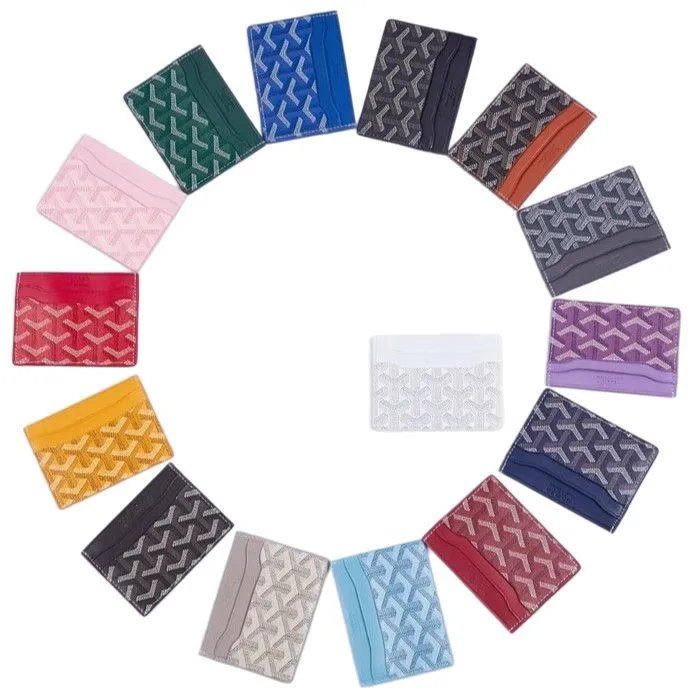
Browse sneakers and other footwear together. Open a find to compare its source ID, product photos and available close-ups of the upper and sole.
Explore T-shirts, hoodies and knitwear through their own sections. Similar graphics can belong to different sellers, so keep the exact listing link.
Separate trousers from shorts before comparing product and style photos. Confirm the specific option on the purchase page before ordering.
Look through jackets and outer layers, comparing available QC for shape, hardware and surface details. Seller photos and QC serve different purposes.
Explore coordinated pieces in one section. Check the seller listing for what is included; similar photos do not establish an identical product.
Compare everyday basics and pictured styles. Treat sheet prices as a starting point and confirm the details on the corresponding seller listing.
Find bags, headwear, watches and smaller accessories. Choose a subsection, then compare the exact source and any available inspection photos.
Browse electronic accessories by their actual listing links. A product photo cannot establish functionality or compatibility; check the purchase page.
Compare the finds that caught your eye. Browse KakoBuy product links and available QC photos, starting with a category, a name or a photo.
Un catálogo independiente con diseño y direcciones propios. Los pedidos se realizan en KakoBuy; esta no es su web oficial.
Busca su nombre, elige una categoría o marca y ordena los resultados. Una foto de referencia permite buscar artículos de aspecto similar.
Las fotos de inspección disponibles ayudan a comparar detalles visibles. No garantizan la calidad ni la autenticidad de un pedido futuro. Algunos productos no tienen fotos QC.
El botón de compra envía la URL original a KakoBuy. Comprueba allí el identificador, la variante y el precio. Las miniaturas no seleccionan opciones de pedido. Podemos recibir una comisión por los enlaces de afiliado.
No. Las miniaturas sirven para comparar el aspecto. Confirma talla, color y precio final en la página de compra.
No necesariamente. La búsqueda compara el aspecto, no el vendedor ni la calidad. Revisa la fuente y las fotos de cada resultado.
Dólares estadounidenses por defecto. Puedes cambiar la moneda para comparar; el precio actual de la página de compra es la referencia.
Inténtalo más tarde o busca por nombre, categoría o imagen. Un enlace antiguo no confirma la disponibilidad actual.
Identifica un anuncio concreto en un mercado. Los títulos o fotos parecidos no implican el mismo vendedor; compara la plataforma y el ID.
Las fotos del vendedor presentan el anuncio y sus variantes. Las QC son fotos de inspección existentes. Pueden mostrar unidades distintas.
La URL original de Weidian con su itemID. Pégala en tus notas o en la búsqueda de un agente para conservar la referencia exacta.
No. Sheetz sirve para descubrir y comparar productos. La compra, las opciones y la gestión de pedidos se realizan en el sitio del agente.