
Schuhe
Browse sneakers and other footwear together. Open a find to compare its source ID, product photos and available close-ups of the upper and sole.
Compare the finds that caught your eye. Browse KakoBuy product links and available QC photos, starting with a category, a name or a photo.
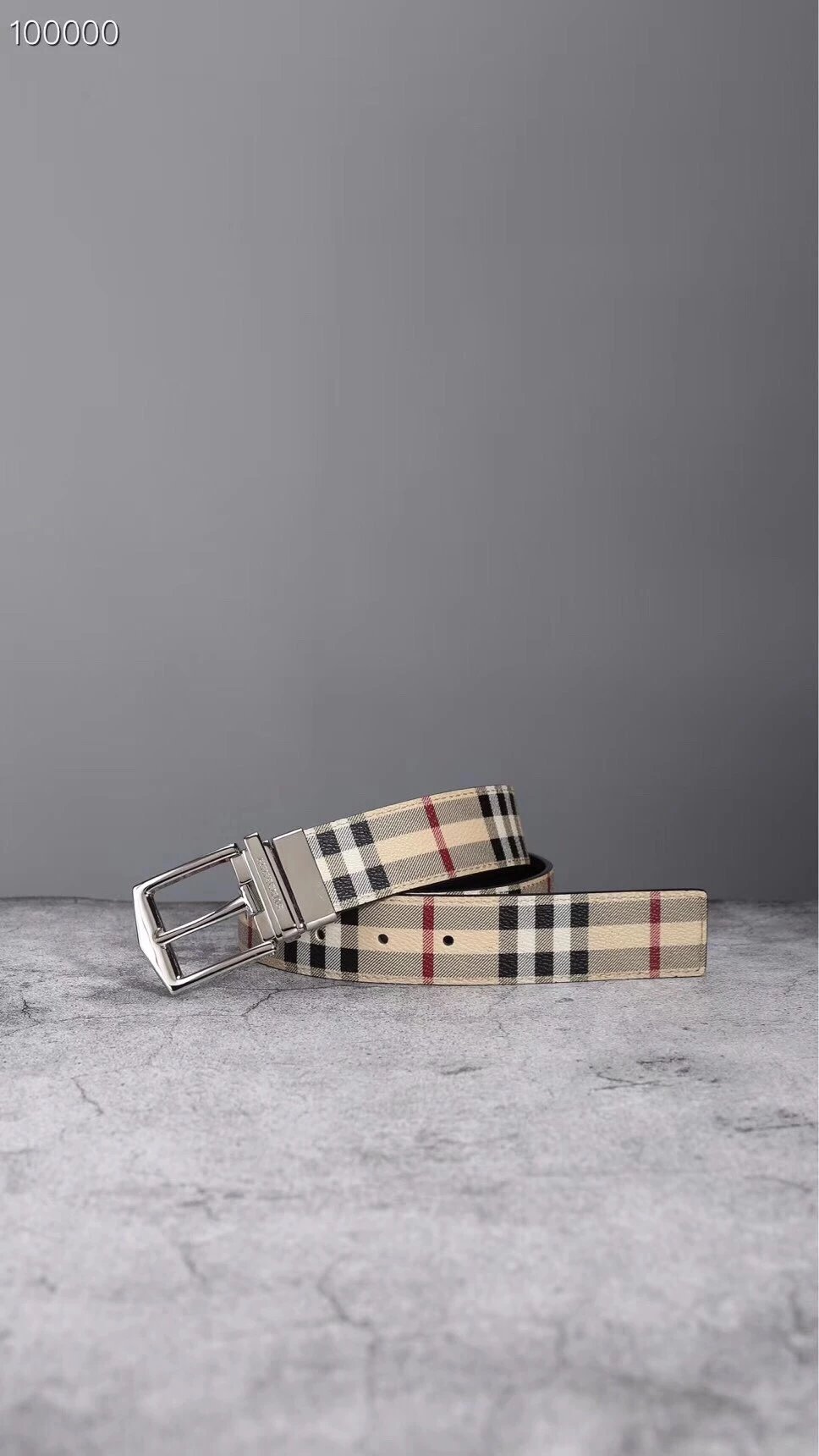
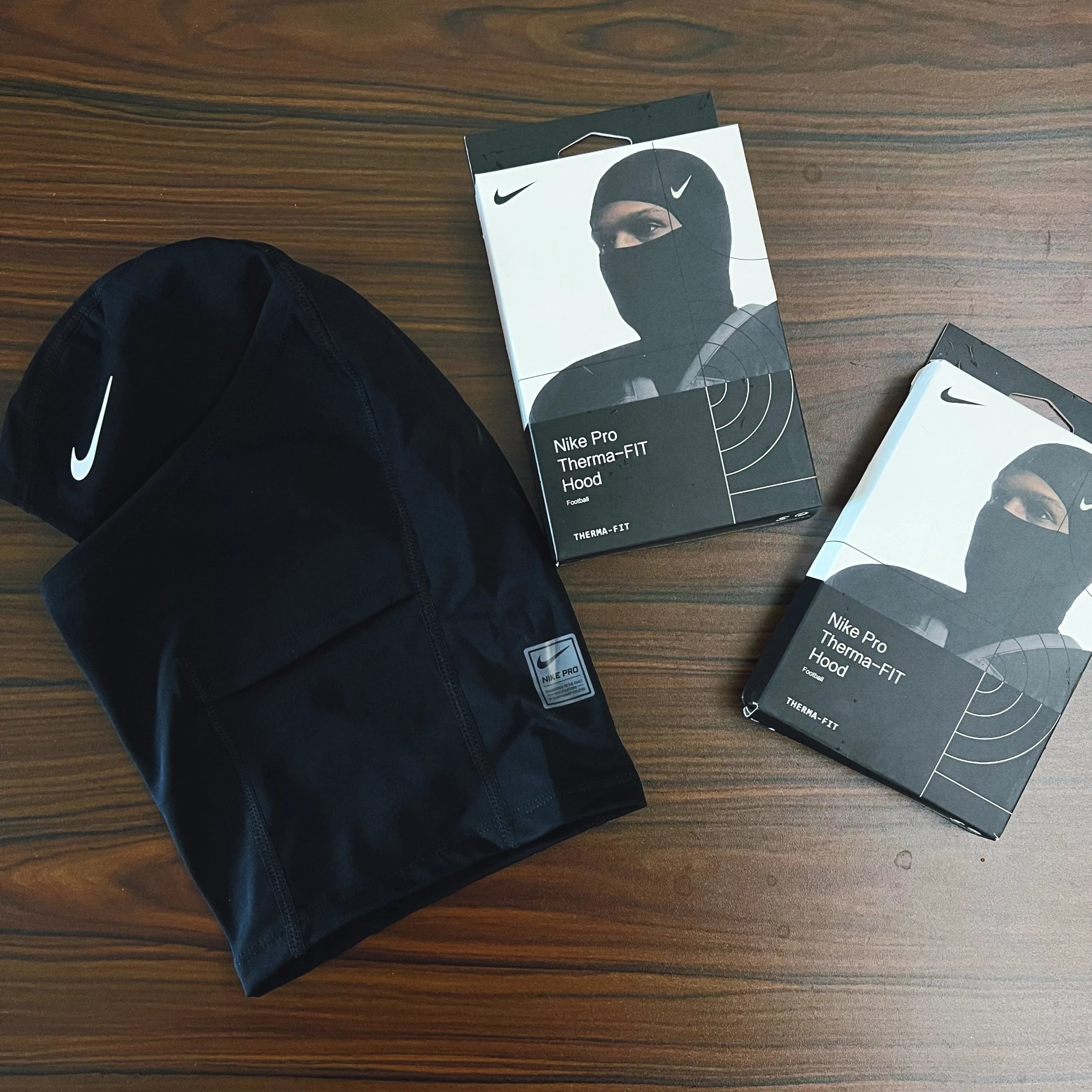
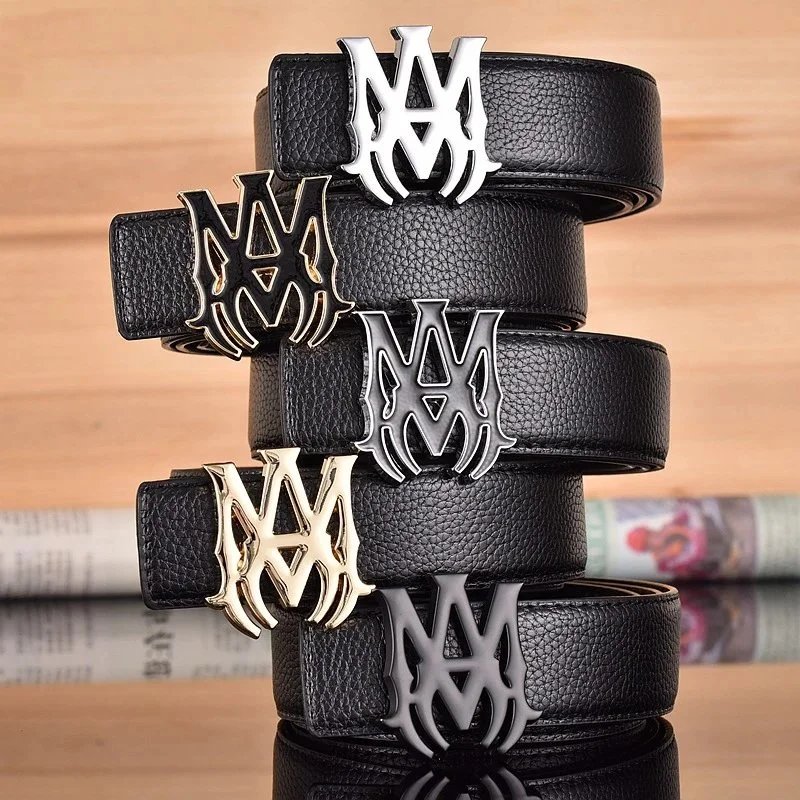
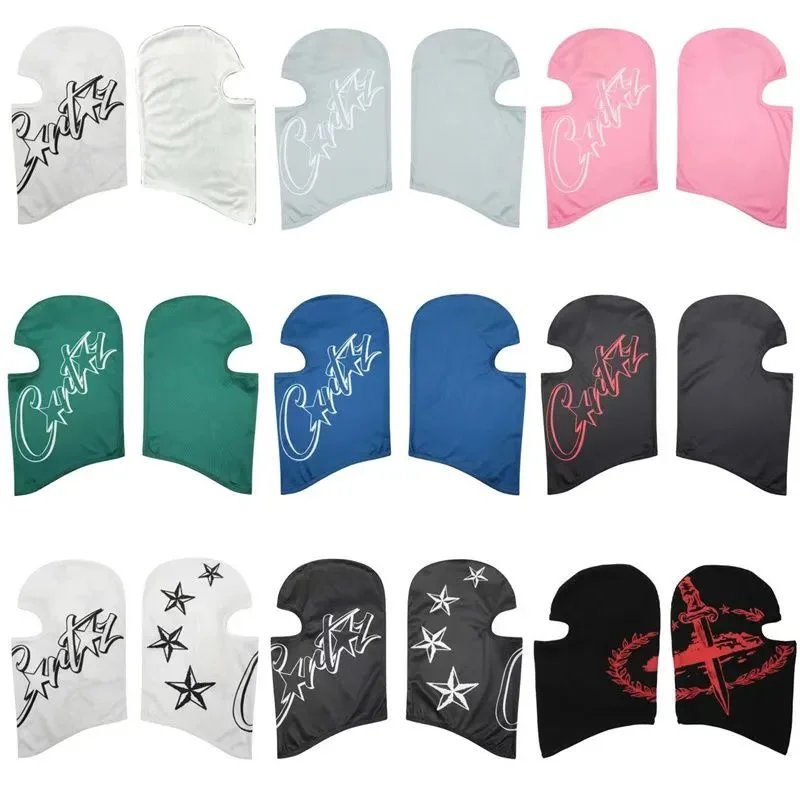
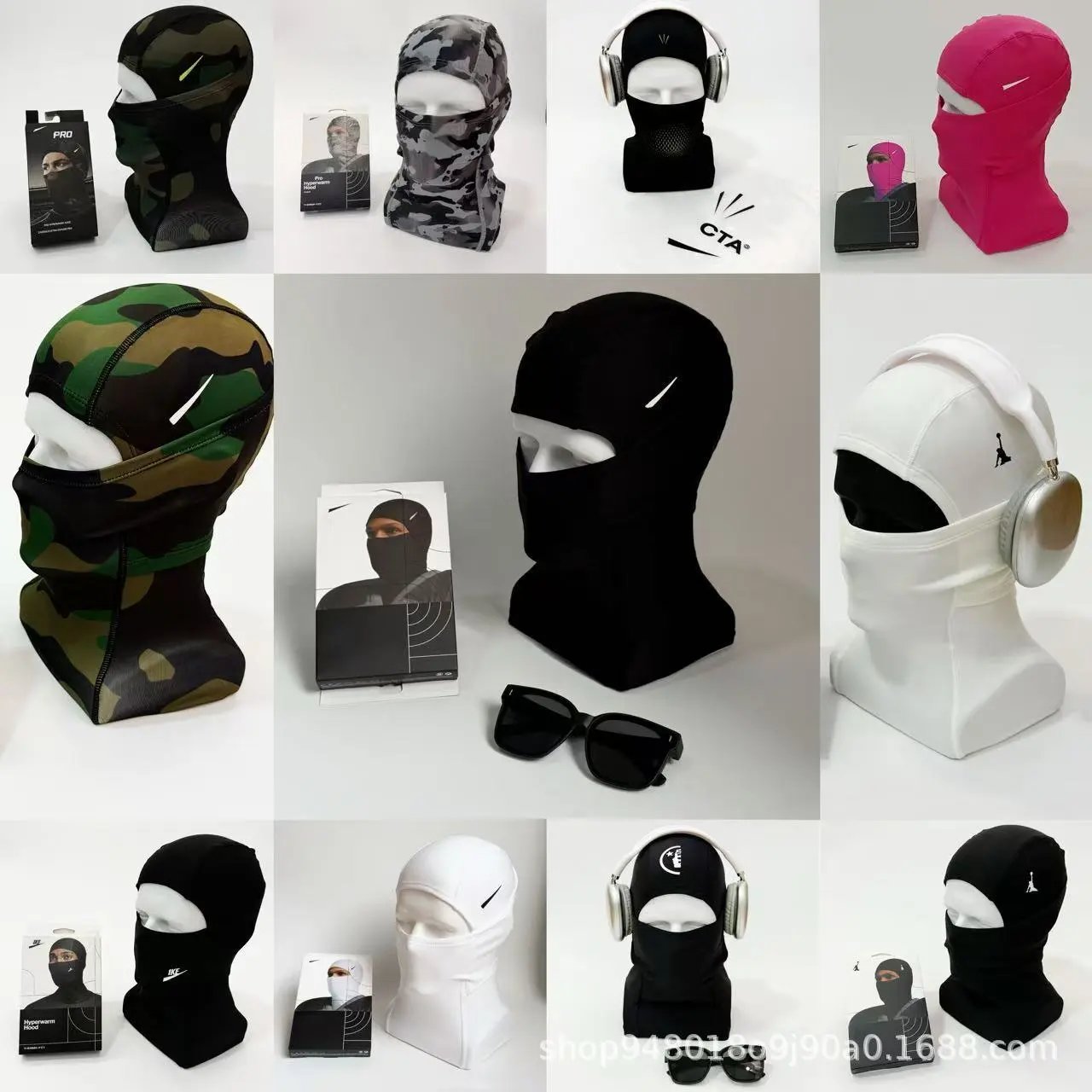
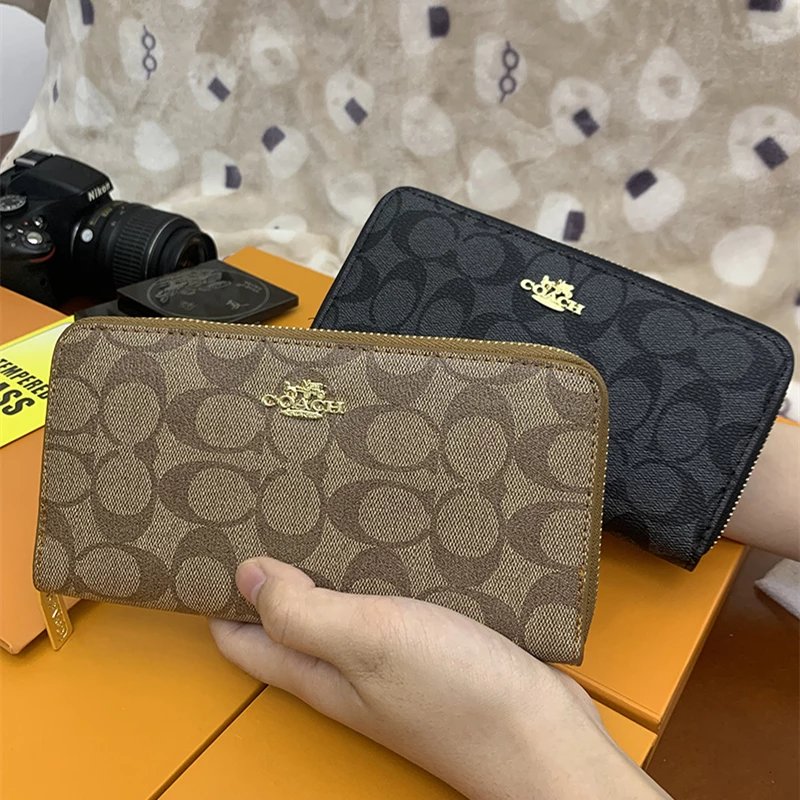
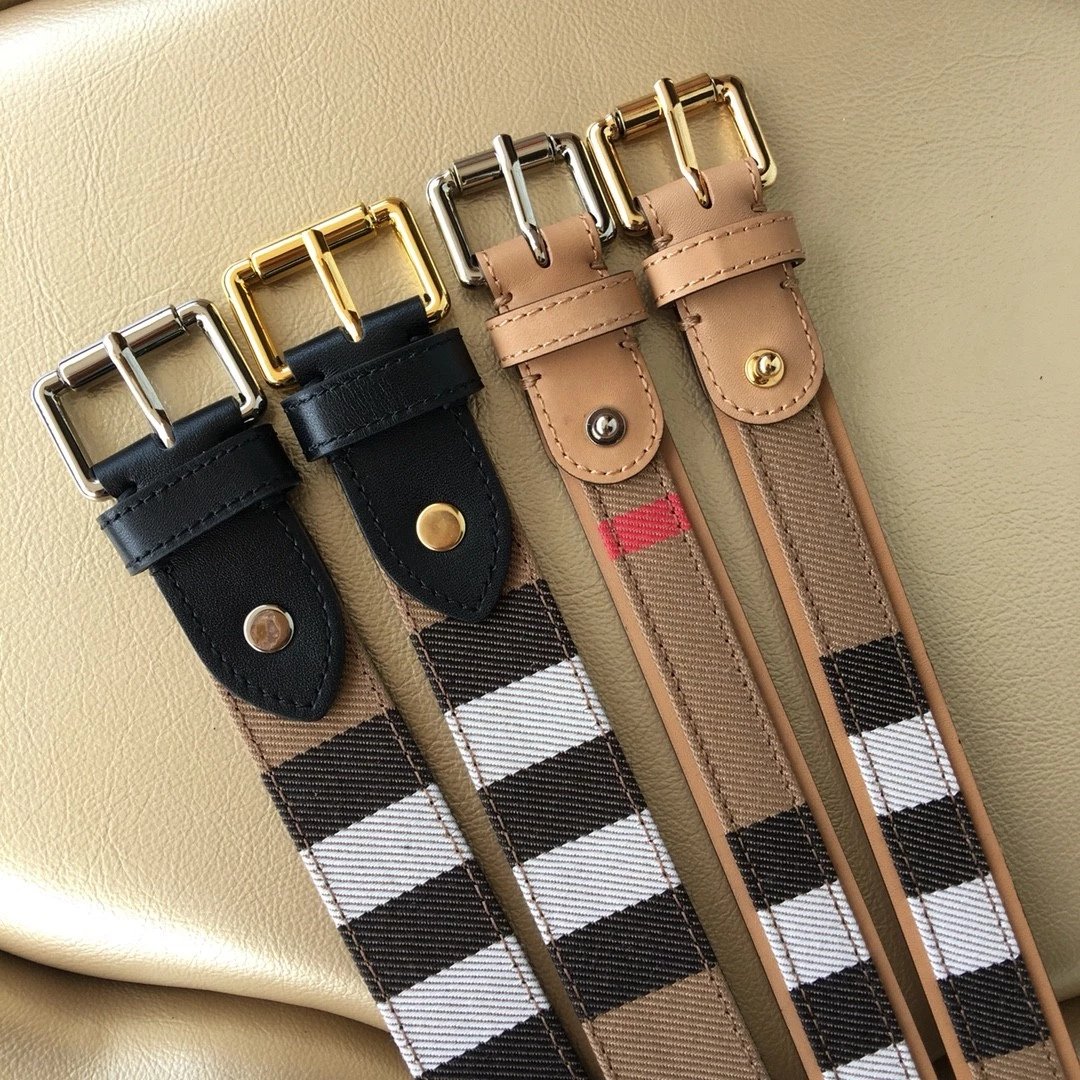
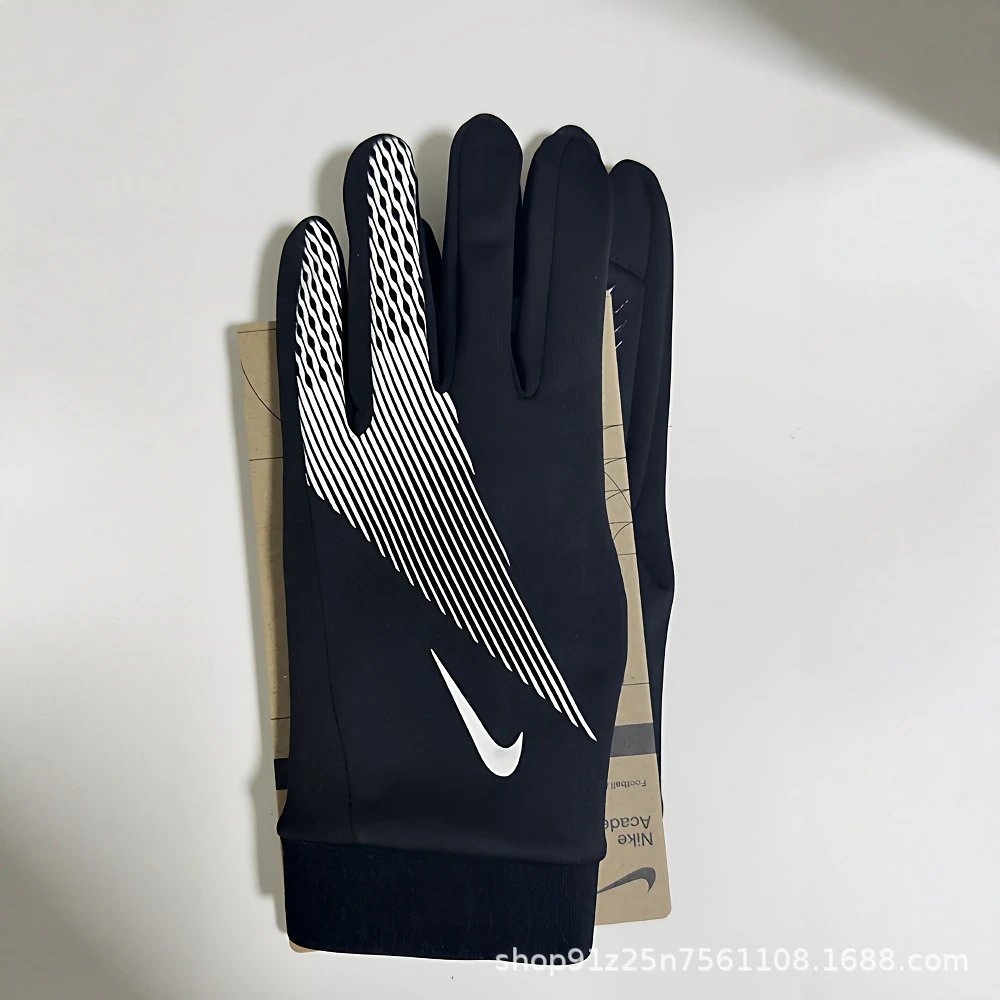
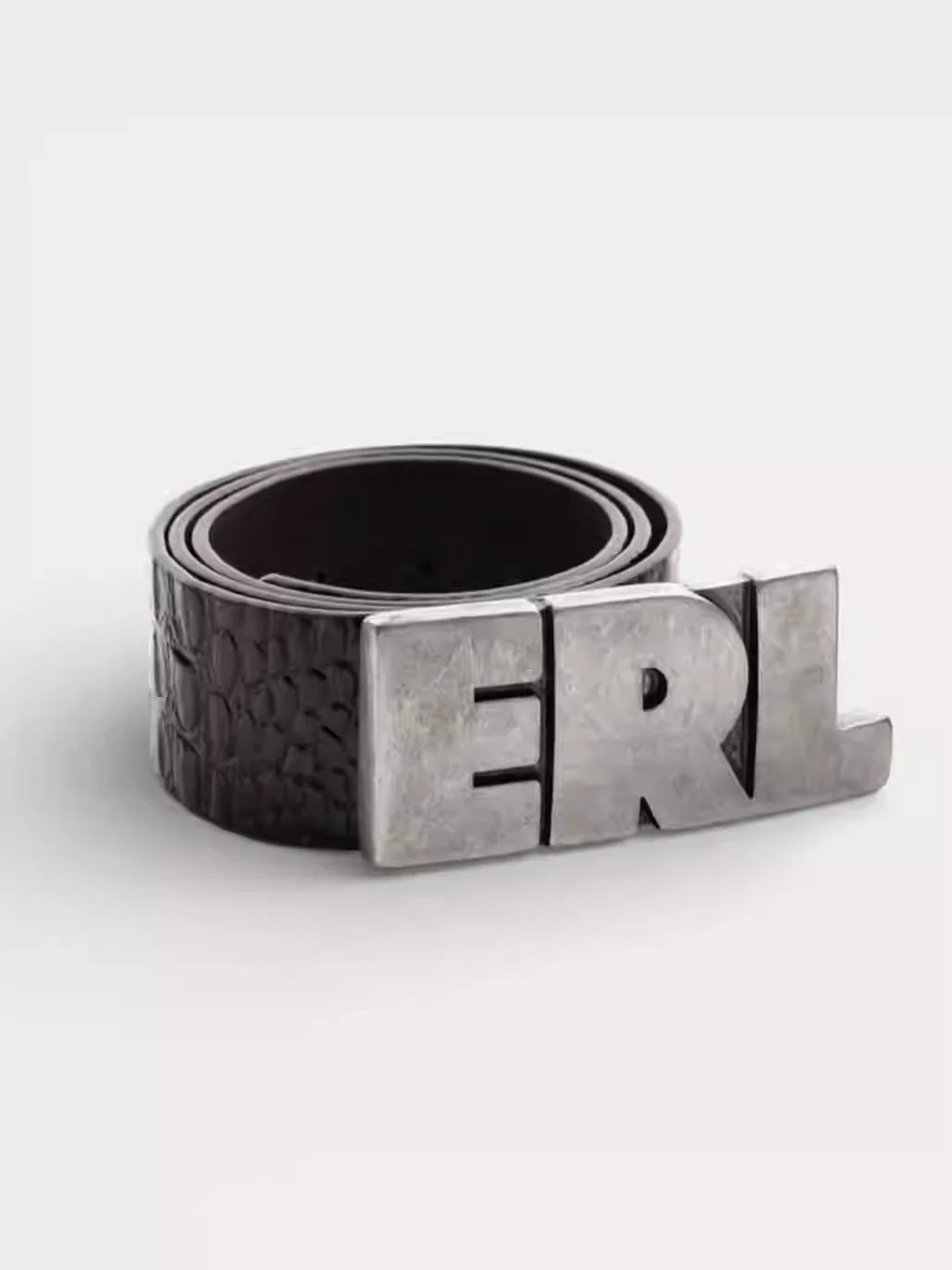
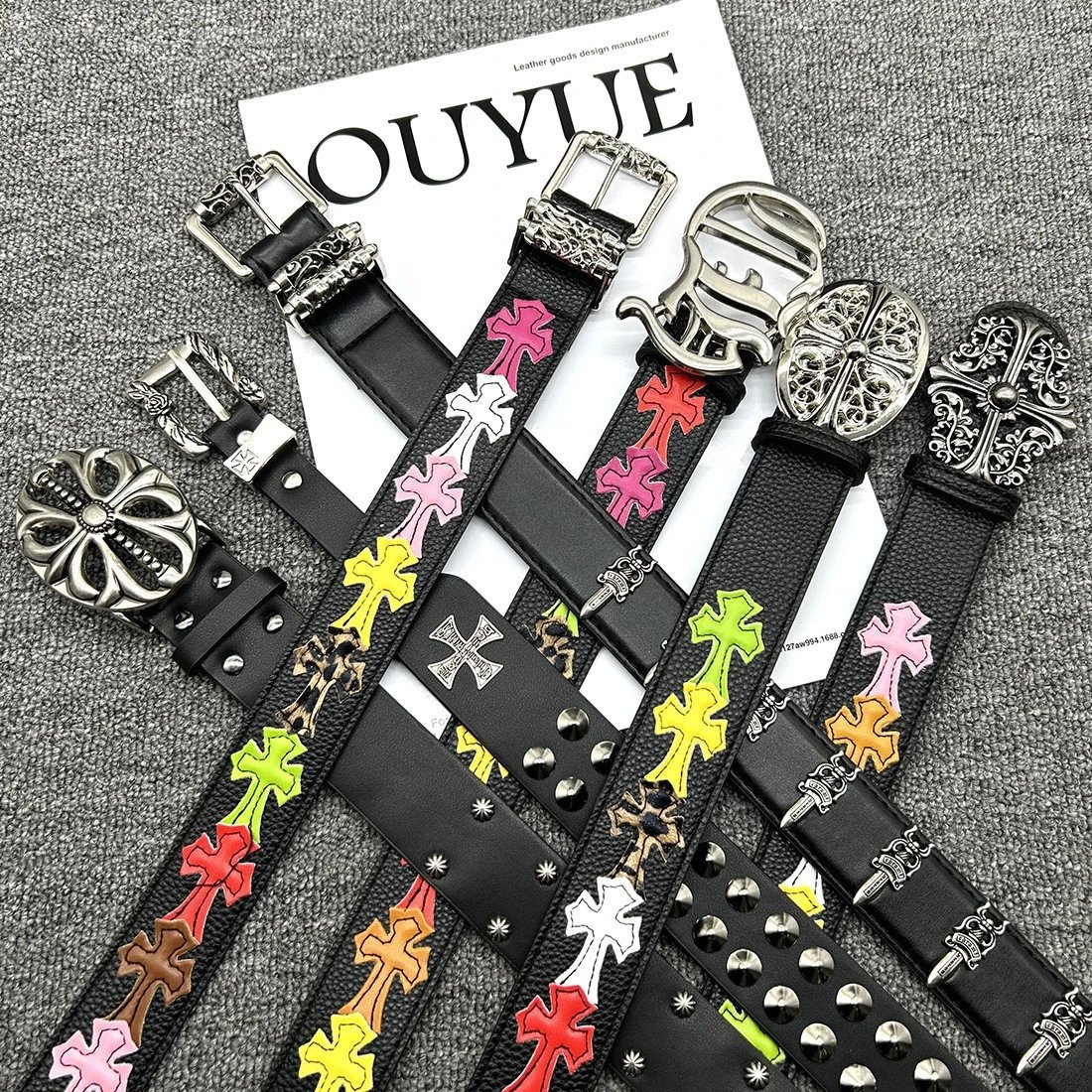
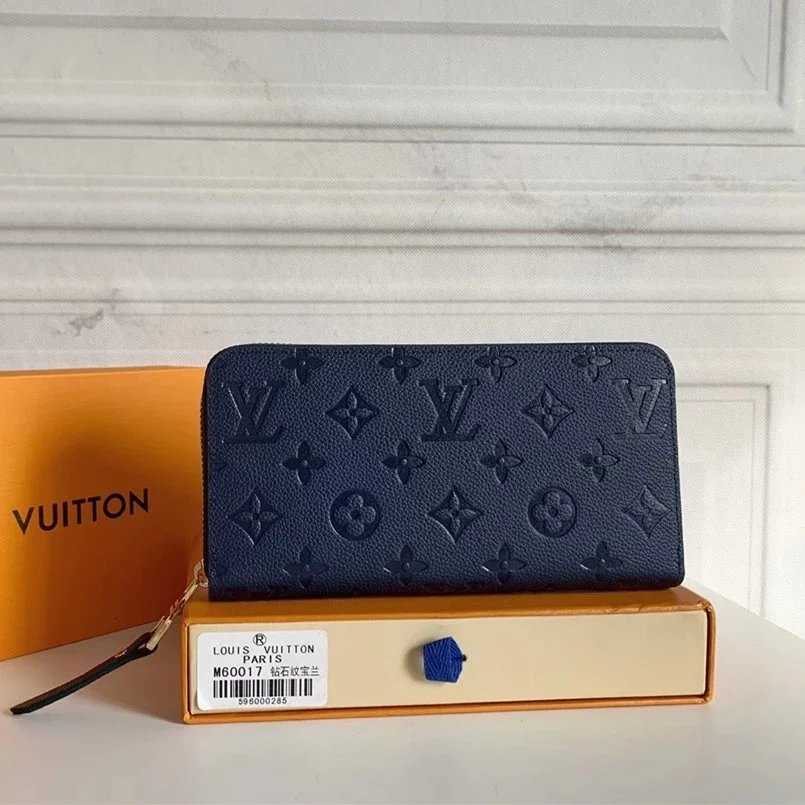
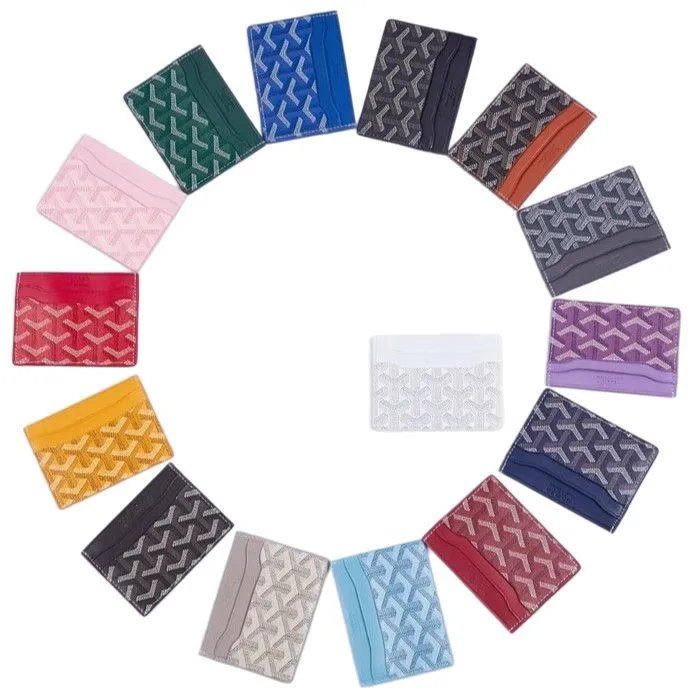
Browse sneakers and other footwear together. Open a find to compare its source ID, product photos and available close-ups of the upper and sole.
Explore T-shirts, hoodies and knitwear through their own sections. Similar graphics can belong to different sellers, so keep the exact listing link.
Separate trousers from shorts before comparing product and style photos. Confirm the specific option on the purchase page before ordering.
Look through jackets and outer layers, comparing available QC for shape, hardware and surface details. Seller photos and QC serve different purposes.
Explore coordinated pieces in one section. Check the seller listing for what is included; similar photos do not establish an identical product.
Compare everyday basics and pictured styles. Treat sheet prices as a starting point and confirm the details on the corresponding seller listing.
Find bags, headwear, watches and smaller accessories. Choose a subsection, then compare the exact source and any available inspection photos.
Browse electronic accessories by their actual listing links. A product photo cannot establish functionality or compatibility; check the purchase page.
Compare the finds that caught your eye. Browse KakoBuy product links and available QC photos, starting with a category, a name or a photo.
Ein unabhängiger Produktkatalog mit eigener Gestaltung und eigenen URLs. Die Bestellung erfolgt bei KakoBuy; dies ist nicht die offizielle Website.
Suche nach dem Namen, wähle eine Kategorie oder Marke und sortiere die Ergebnisse. Mit einem Referenzfoto kannst du nach ähnlichen Bildern suchen.
Vorhandene Prüffotos helfen beim Vergleich sichtbarer Details. Sie garantieren weder die Qualität noch die Echtheit einer späteren Bestellung. Manche Produkte haben keine QC-Fotos.
Der Kaufbutton übergibt die ursprüngliche Produkt-URL an KakoBuy. Prüfe dort Produkt-ID, Variante und Preis. Ein Vorschaubild wählt keine Bestelloption. Über Partnerlinks können wir eine Provision erhalten.
Nein. Die Miniaturen dienen dem Bildvergleich. Größe, Farbe und endgültigen Preis bestätigst du auf der Kaufseite.
Nicht unbedingt. Bildsuche vergleicht das Aussehen, nicht Verkäufer oder Qualität. Prüfe die Quelle und Fotos jedes Ergebnisses.
Standardmäßig USD. Du kannst für Preisvergleiche die Währung wechseln; maßgeblich ist das aktuelle Angebot auf der Kaufseite.
Versuche es später erneut oder suche nach Namen, Kategorie oder Bild. Ein historischer Link bestätigt keine aktuelle Verfügbarkeit.
Sie kennzeichnet ein bestimmtes Angebot auf einem Marktplatz. Ähnliche Titel oder Bilder bedeuten nicht denselben Verkäufer; vergleiche Marktplatz und ID.
Verkäuferfotos zeigen das Angebot und seine Varianten. QC sind vorhandene Prüffotos. Sie können unterschiedliche einzelne Exemplare zeigen.
Die ursprüngliche Weidian-URL mit itemID. Füge sie in deine Notizen oder die Suche eines Einkaufsagenten ein, um die genaue Quelle zu behalten.
Nein. Sheetz dient zum Entdecken und Vergleichen. Kauf, Optionsauswahl und Bestellverwaltung erfolgen auf der Website des Einkaufsagenten.