
Scarpe
Browse sneakers and other footwear together. Open a find to compare its source ID, product photos and available close-ups of the upper and sole.
Compare the finds that caught your eye. Browse KakoBuy product links and available QC photos, starting with a category, a name or a photo.
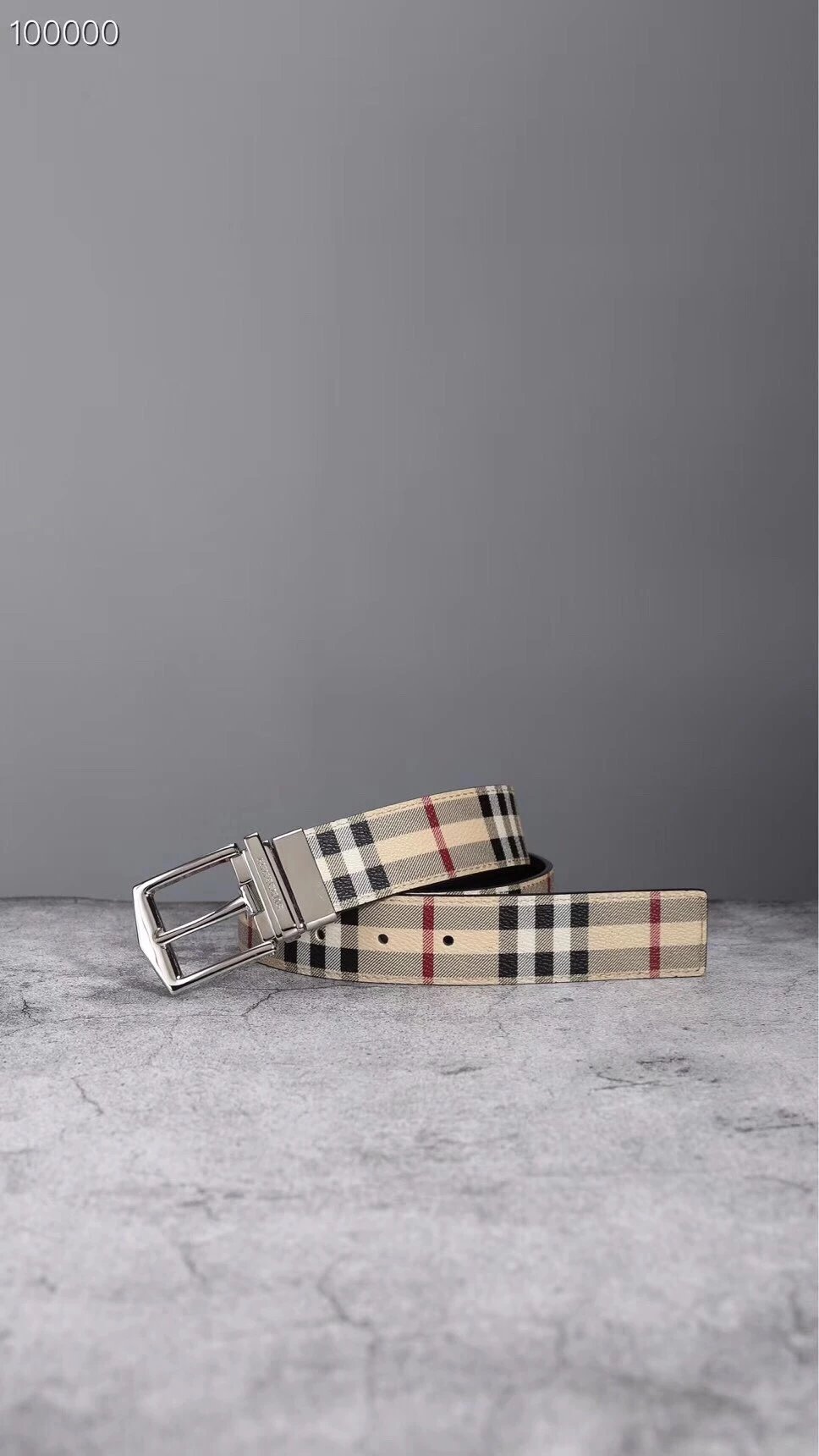
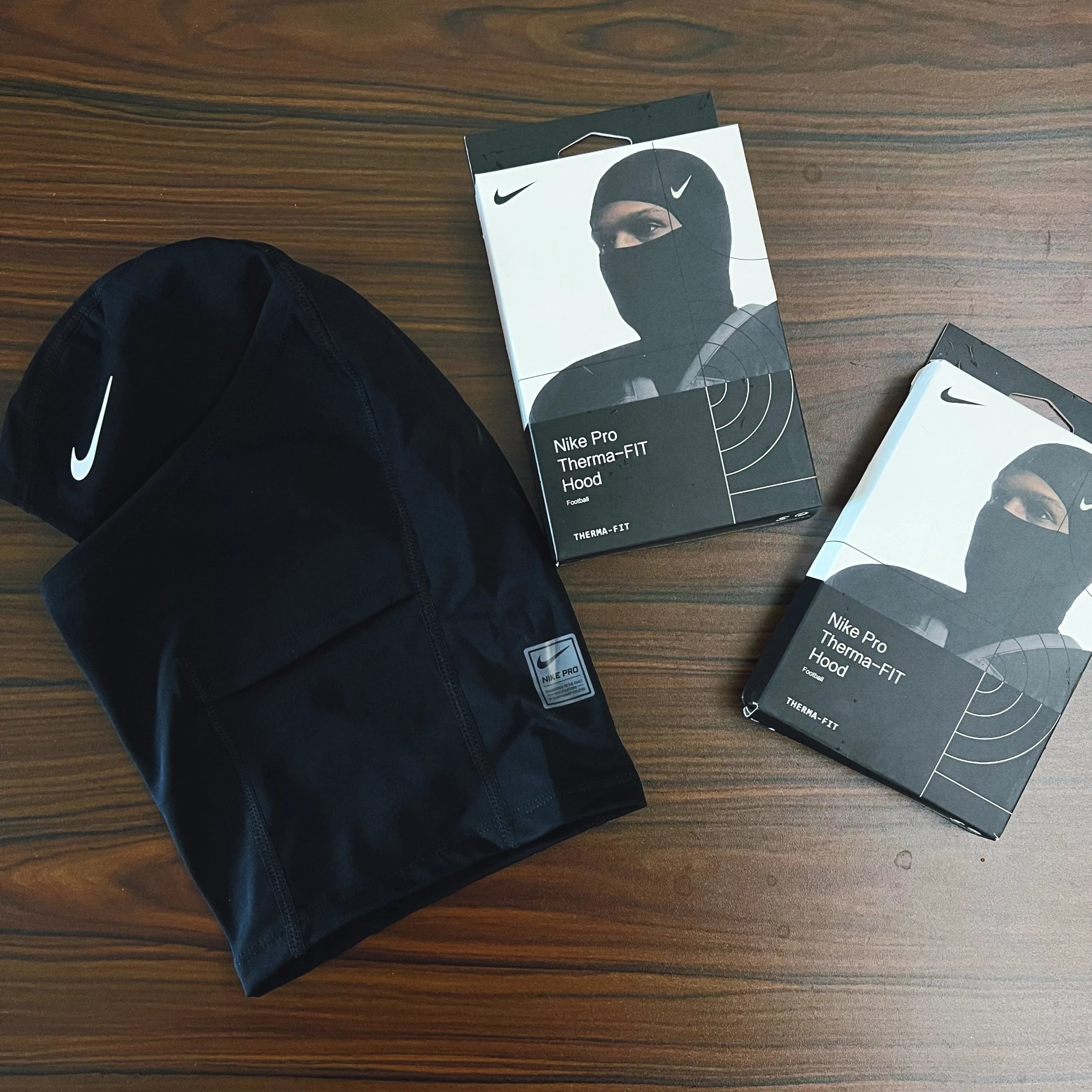
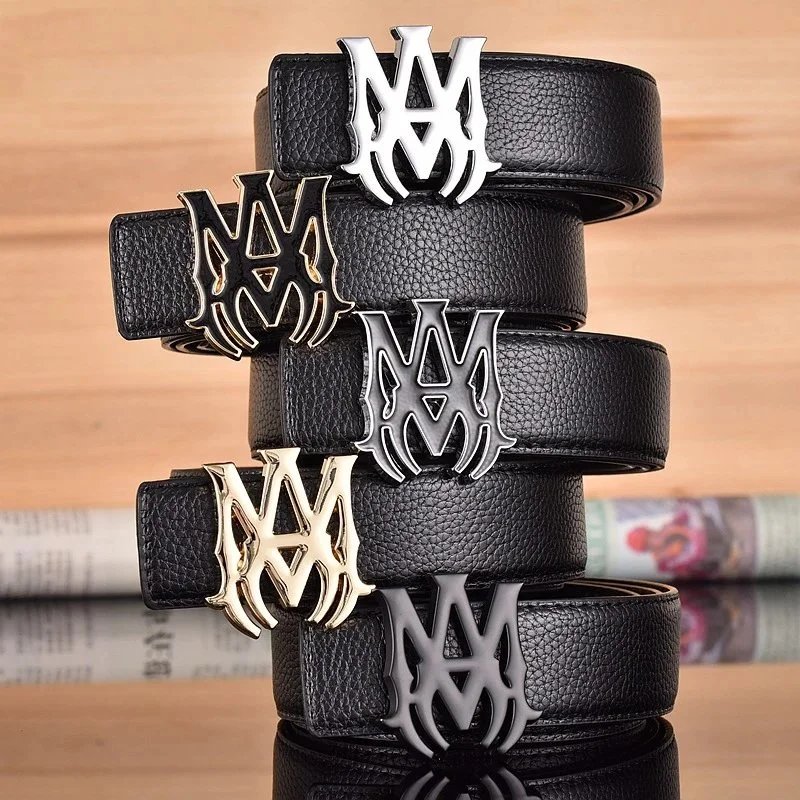
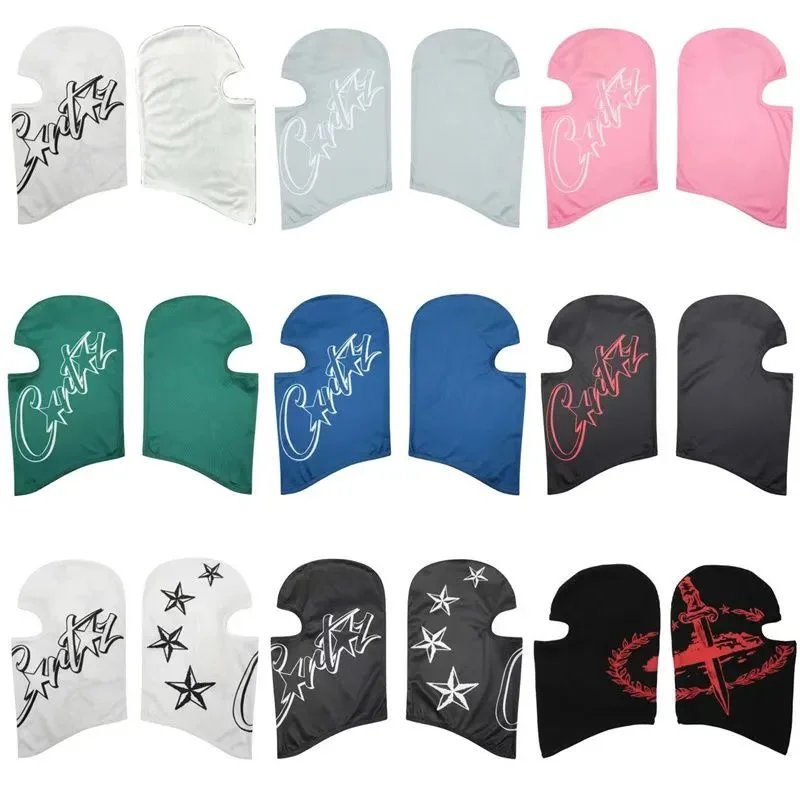
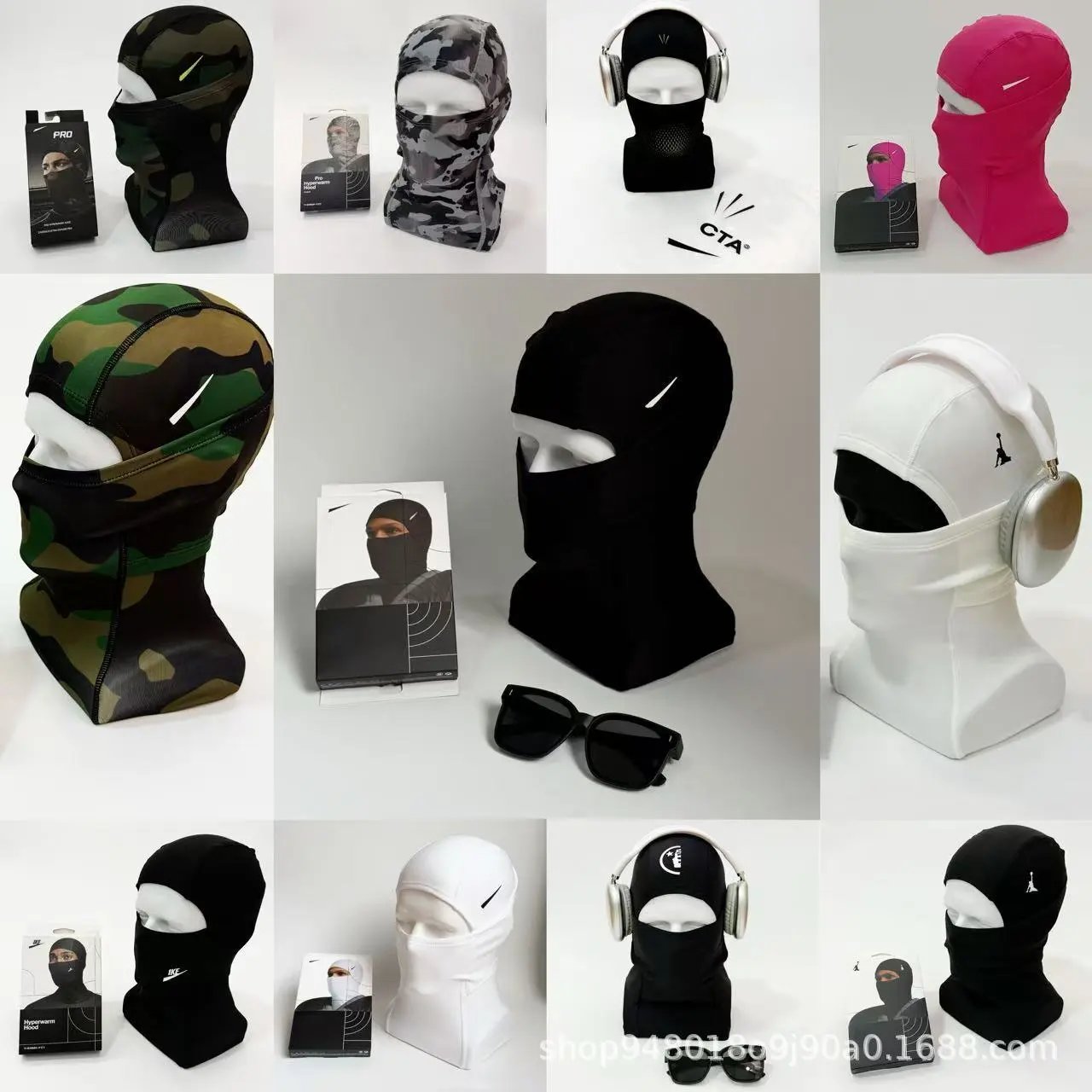
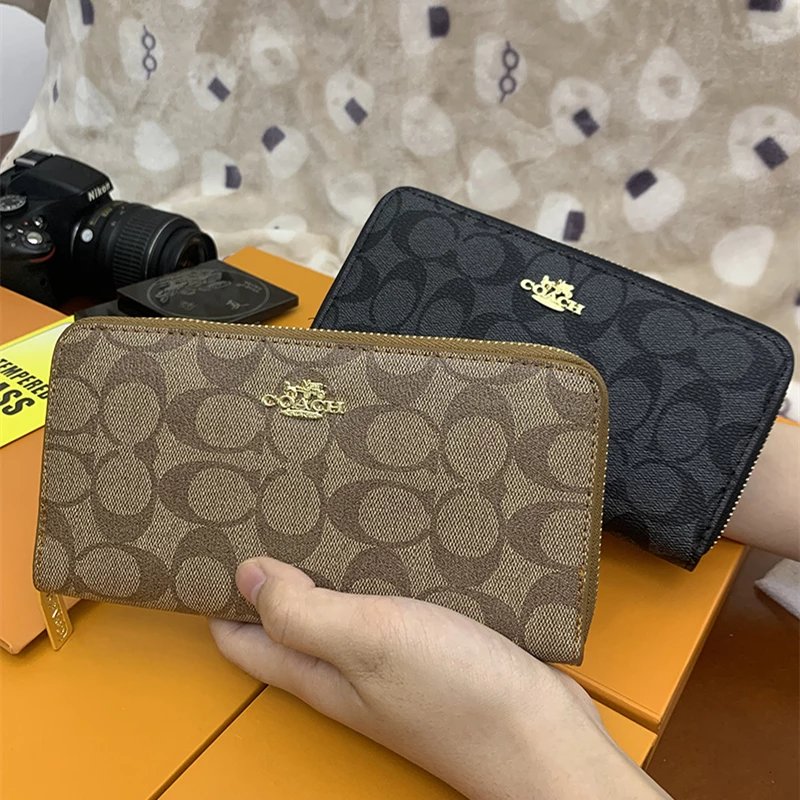
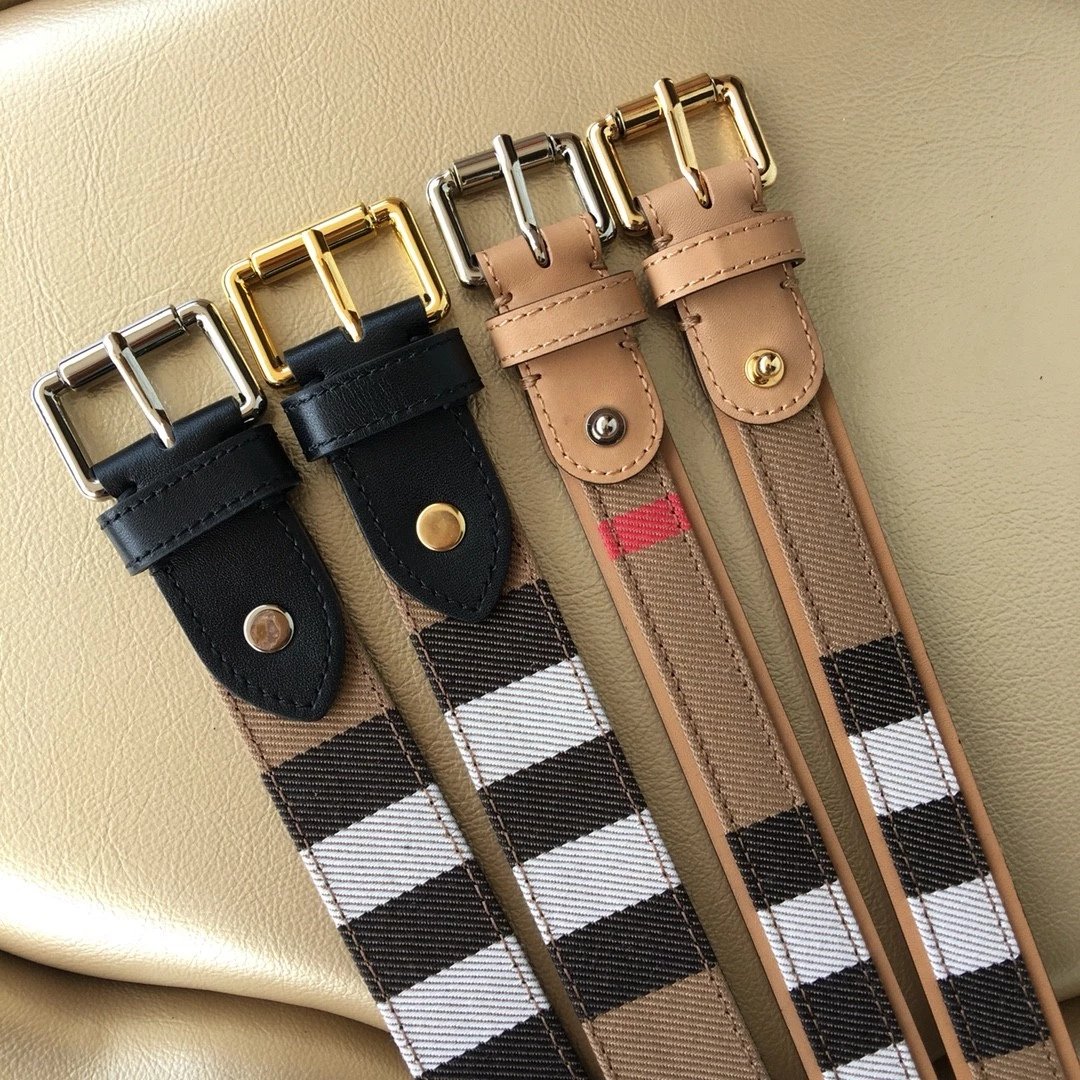
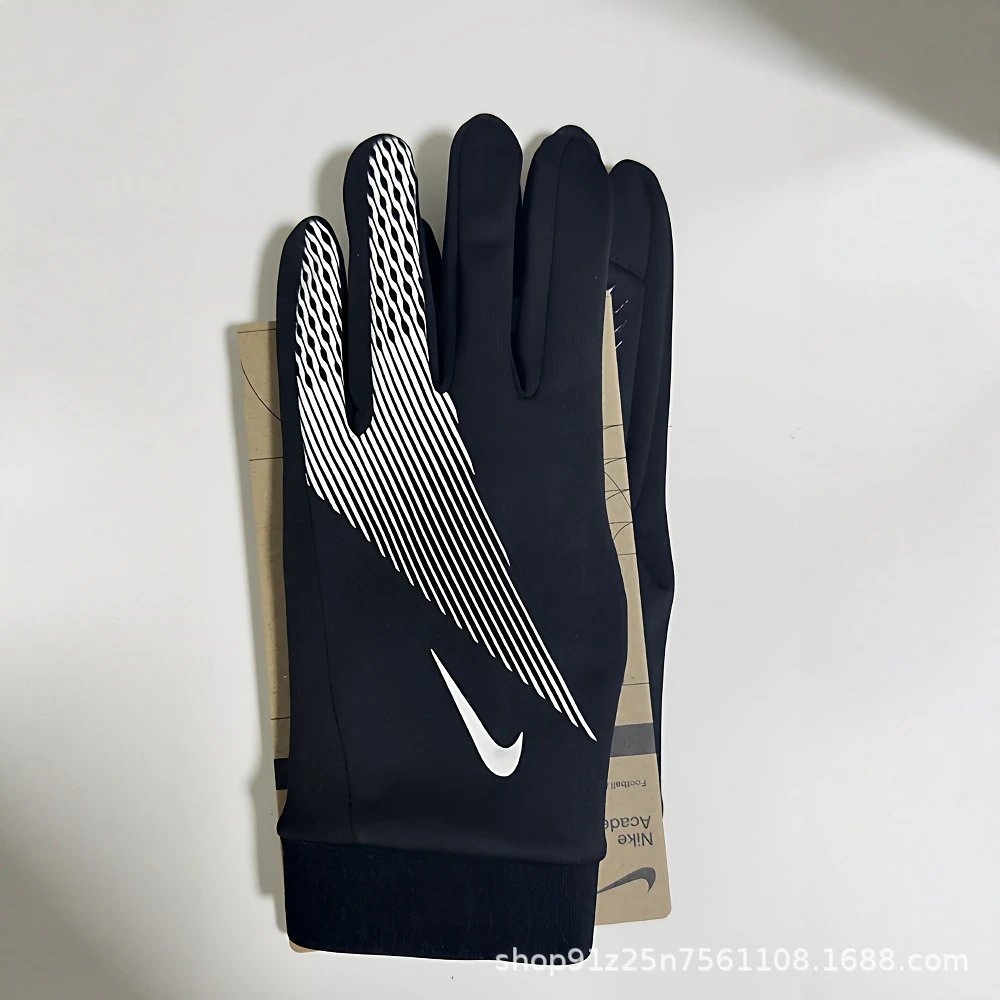
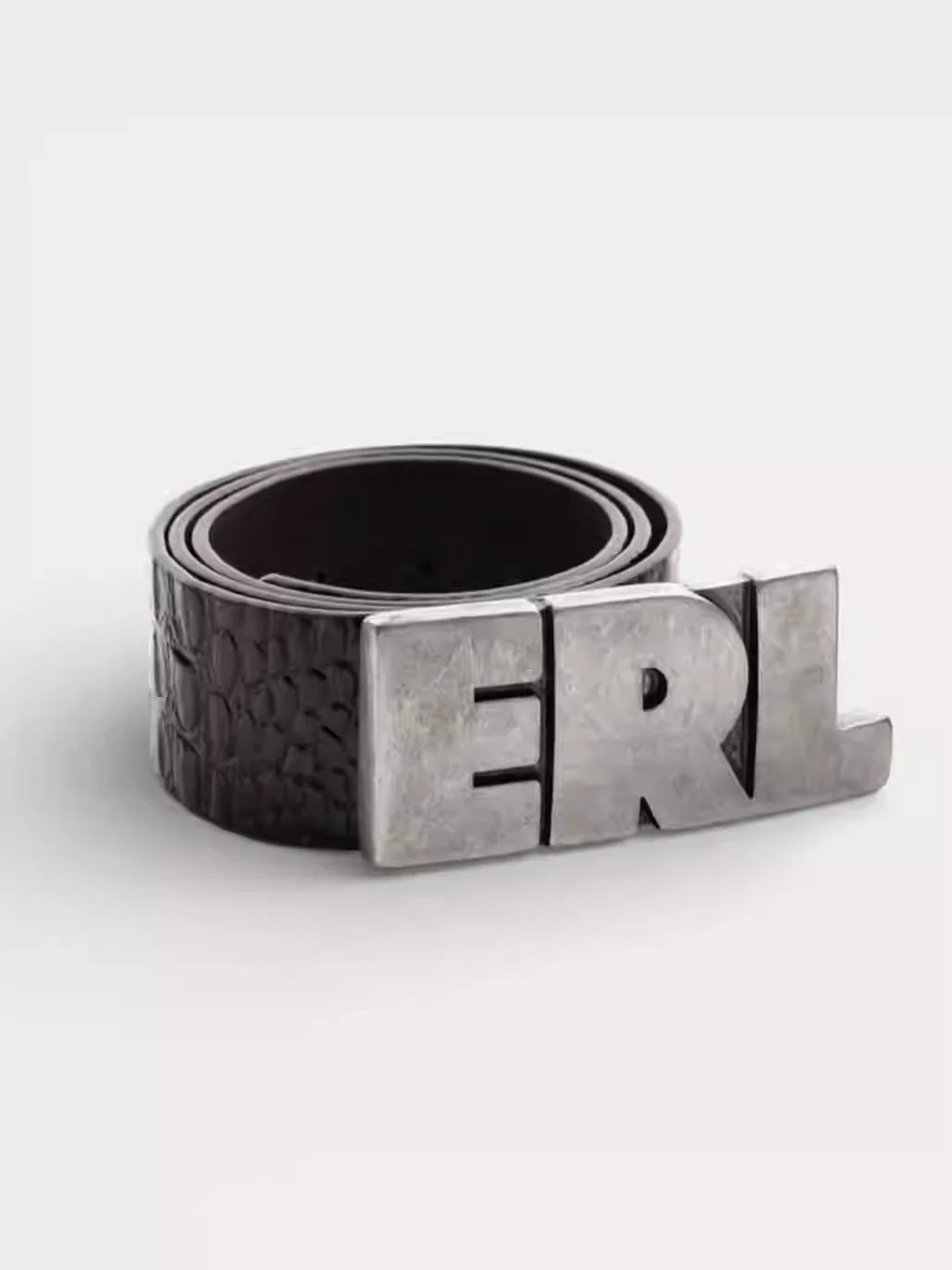
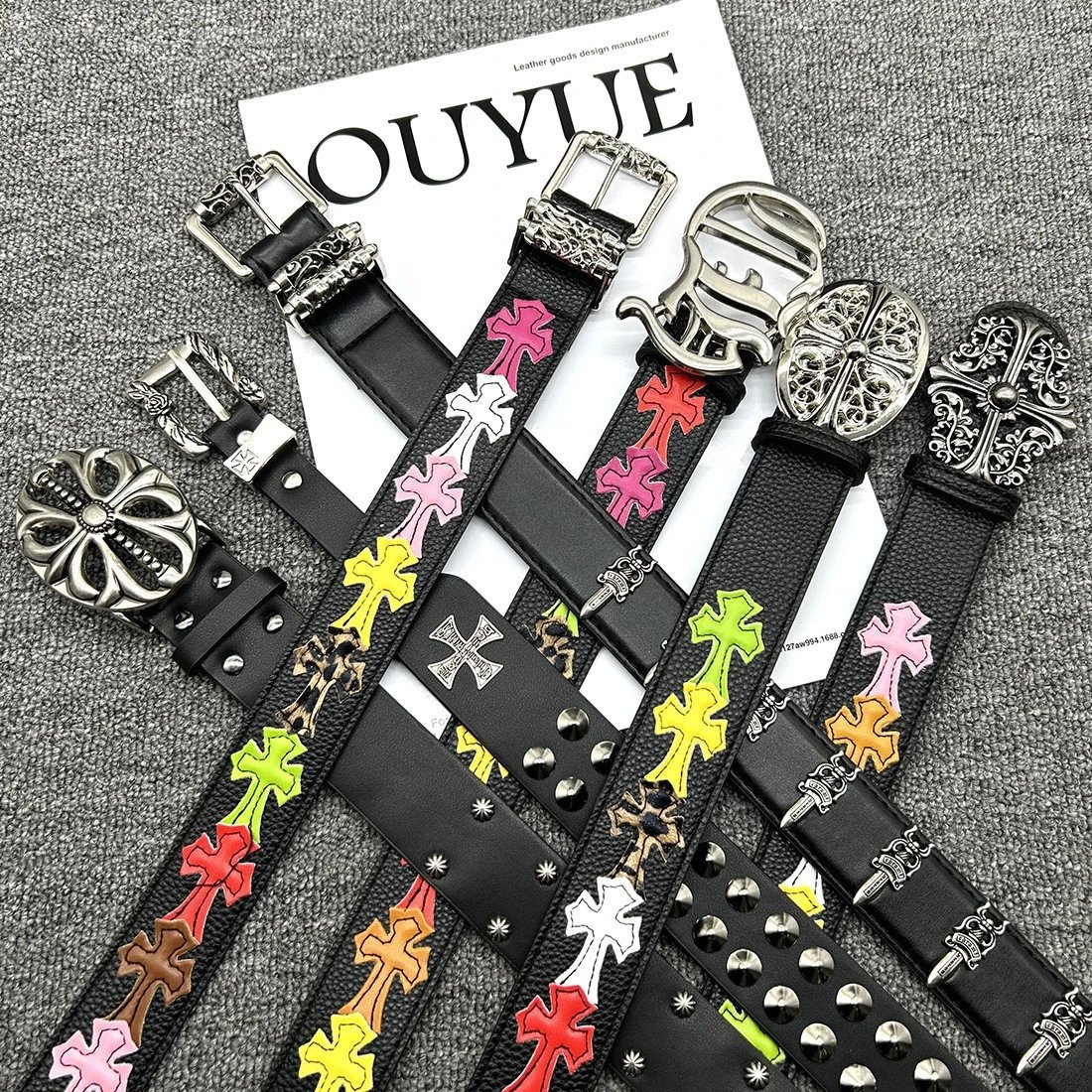
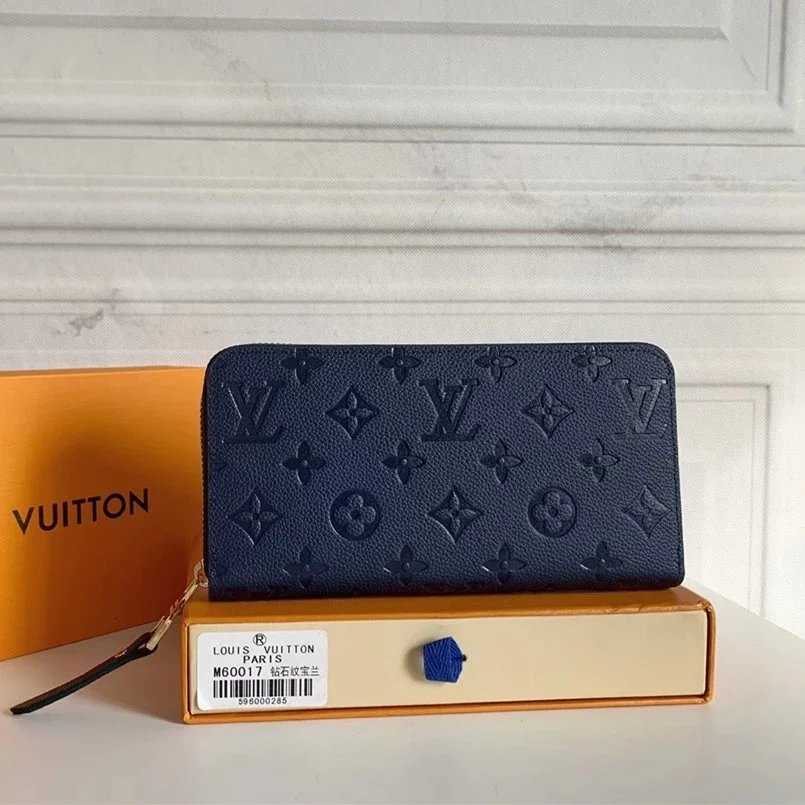
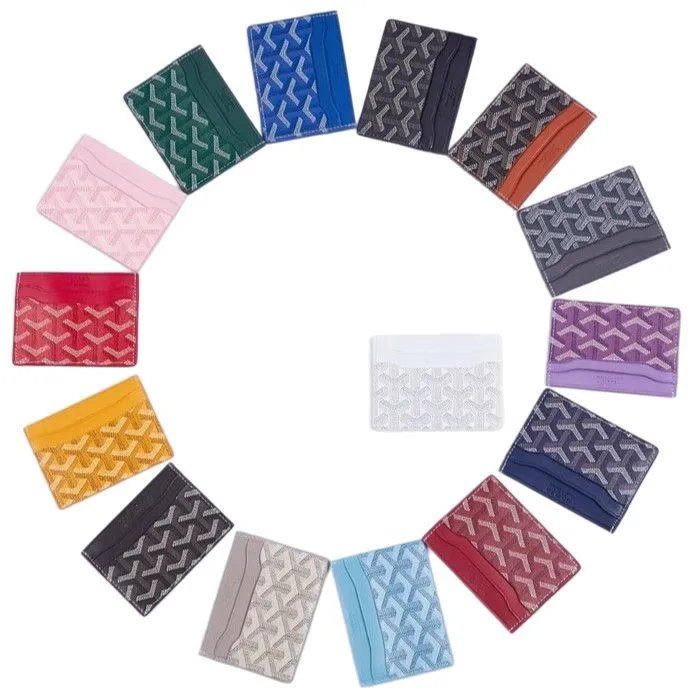
Browse sneakers and other footwear together. Open a find to compare its source ID, product photos and available close-ups of the upper and sole.
Explore T-shirts, hoodies and knitwear through their own sections. Similar graphics can belong to different sellers, so keep the exact listing link.
Separate trousers from shorts before comparing product and style photos. Confirm the specific option on the purchase page before ordering.
Look through jackets and outer layers, comparing available QC for shape, hardware and surface details. Seller photos and QC serve different purposes.
Explore coordinated pieces in one section. Check the seller listing for what is included; similar photos do not establish an identical product.
Compare everyday basics and pictured styles. Treat sheet prices as a starting point and confirm the details on the corresponding seller listing.
Find bags, headwear, watches and smaller accessories. Choose a subsection, then compare the exact source and any available inspection photos.
Browse electronic accessories by their actual listing links. A product photo cannot establish functionality or compatibility; check the purchase page.
Compare the finds that caught your eye. Browse KakoBuy product links and available QC photos, starting with a category, a name or a photo.
Un catalogo indipendente con struttura e indirizzi propri. Gli ordini si effettuano su KakoBuy; questo non è il sito ufficiale.
Cerca il nome, scegli una categoria o un marchio e ordina i risultati. Con una foto di riferimento puoi cercare prodotti dall'aspetto simile.
Le foto di controllo disponibili aiutano a confrontare dettagli visibili. Non garantiscono qualità o autenticità di un ordine futuro. Alcuni prodotti non hanno foto QC.
Il pulsante di acquisto invia l'URL originale a KakoBuy. Controlla lì identificativo, variante e prezzo. Le miniature non selezionano opzioni d'ordine. I link affiliati possono generarci una commissione.
No. Le miniature servono al confronto visivo. Conferma taglia, colore e prezzo finale sulla pagina d'acquisto.
Non necessariamente. La ricerca confronta l'aspetto, non il venditore o la qualità. Controlla fonte e foto di ogni risultato.
Dollari statunitensi per impostazione predefinita. Puoi cambiare valuta per confrontare; fa fede il prezzo attuale sulla pagina d'acquisto.
Riprova più tardi o cerca per nome, categoria o immagine. Un vecchio link non conferma la disponibilità attuale.
Identifica una specifica inserzione su un marketplace. Titoli o foto simili non indicano lo stesso venditore; confronta piattaforma e ID.
Le foto del venditore presentano l'inserzione e le varianti. Le QC sono foto di controllo esistenti. Possono mostrare esemplari diversi.
L'URL originale di Weidian con itemID. Incollalo nelle note o nella ricerca di un agente per mantenere il riferimento esatto.
No. Sheetz serve a scoprire e confrontare prodotti. Acquisti, opzioni e gestione degli ordini si svolgono sul sito dell'agente.